1
BASIC OPERATION
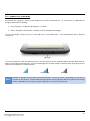
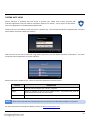
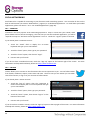
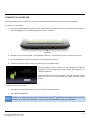
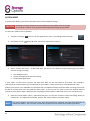
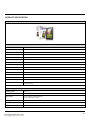
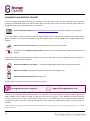
The Scroll Basic Plus has very few physical buttons. Most control is performed via the touch screen.
6.1 – BUTTONS & CONNECTIONS
BUTTON
ICON
Power
Hold to turn the tablet on or off
Volume
Decreases / increases volume
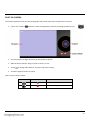
ON-SCREEN
ICON
DESCRIPTION
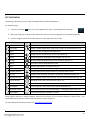
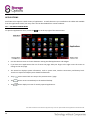
Return
Moves back one step to the previous menu / page
Home
Returns immediately to the Android desktop
Menu
Displays a menu of recently opened applications
Volume
Decreases / increases volume
Context Menu
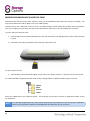
CONNECTION
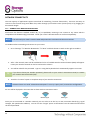
Micro SDHC
DC 5V
Micro USB
Earphones
NOTE
8
DESCRIPTION
Displays a menu of options (differs depending on the application)
ICON
DESCRIPTION
Insert a Micro SD card (up to 32GB)
Recharge Scroll Basic Plus’s battery using the supplied mains adapter
Connect peripheral devices (e.g. keyboard, USB flash drive)
Connect earphones to this standard 3.5mm jack socket
See section “Built-In Camera” (page 27) for more information on the camera feature.