1
About the Wireless Mouse
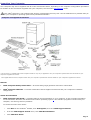
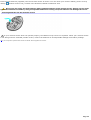
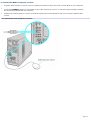
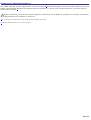
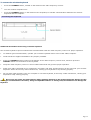
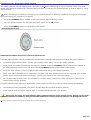
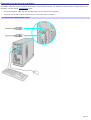
Your VAIO® computer may be supplied with a wireless optical mouse1. Before attempting to use the wireless optical mouse
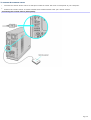
with your computer, see the section, Connecting the Wireless Optical Mouse.
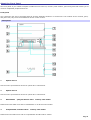
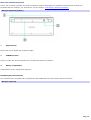
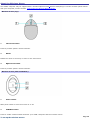
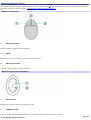
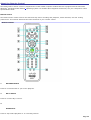
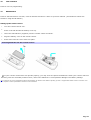
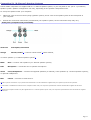
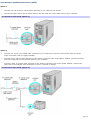
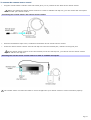
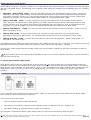
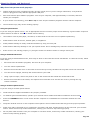
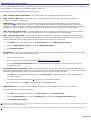
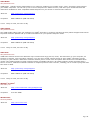
Wireless m ouse (top)
1
Left mouse button
Press to perform specific mouse functions.
2
Wheel
Rotate the wheel to scroll up or down on the LCD screen.
3
Right mouse button
Press to perform specific mouse functions.
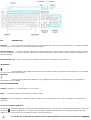
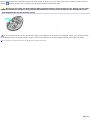
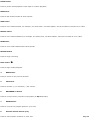
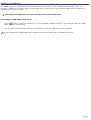
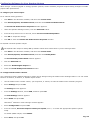
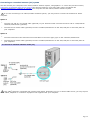
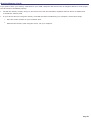
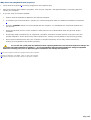
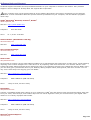
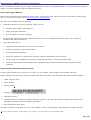
Wireless m ouse (Side and bottom )
1
Power switch
Slide power switch to turn the mouse on or off.
2
CONNECT button
Press to enable communication between your VAIO® computer and the wireless mouse.
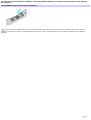
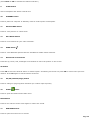
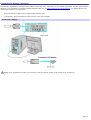
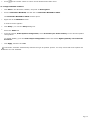
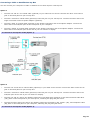
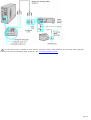
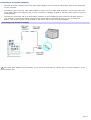
To set up the wireless mouse
Page 20