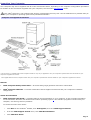
1
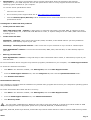
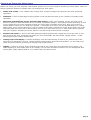
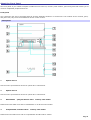
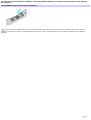
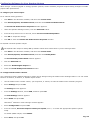
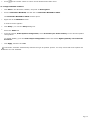
Why doesn't my computer resume normal operation from Stand by mode? If your keyboard has a Stand by key If your keyboard is not equipped with a Stand by key, press any key to resume normal operation. For troubleshooting information, you can search Windows Help. , press it briefly to resume normal operation. 1. Click Start in the Windows taskbar and select Help and Support. The VAIO Help And Support Center menu appears. 2. Select Fixing a Problem and then select Startup and Shut Down problems. A list of specific problem topics appears on the right side of the window. 3. Select Startup and Shutdown Troubleshooter. Follow the on-screen instructions according to your specific situation. Page 81