1
Deleting the Images Stored to Memory Pages (continued)
4
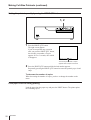
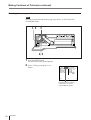
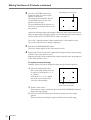
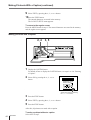
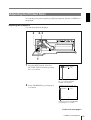
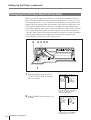
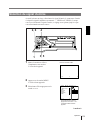
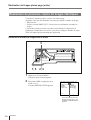
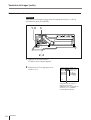
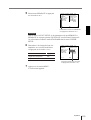
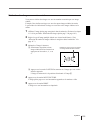
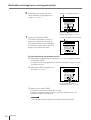
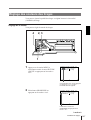
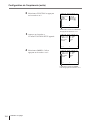
Press the ∫ button.
The FUNCTION SETUP menu
appears.
FU NC T I ON S E T UP CO L OR n n n
PRE SS
P R N SE T UP
A U T O L I V E OF F / ON
I MME D . C A P. OF F / ON
PR I N T /
R M 2 F U NC
ALL /
C L E AR
Q1 A
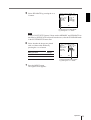
5
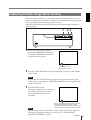
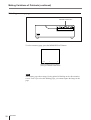
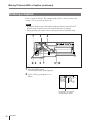
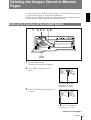
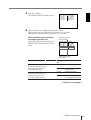
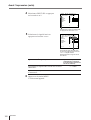
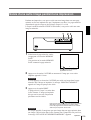
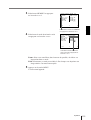
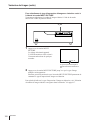
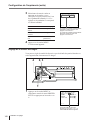
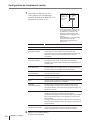
Select CLEAR by pressing the ◊ or √
button.
1
S
FU NC T I ON S E T UP CO L OR n n n
PRE SS
P R N SE T UP
A U T O L I V E OF F / ON
I MME D . C A P. OF F / ON
PR I N T /
R M 2 F U NC
ALL /
C L E AR
Q1 A
1
S
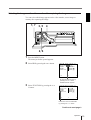
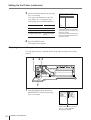
Position the cursor to CLEAR by
pressing the ◊ or √ button.
6
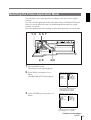
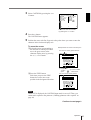
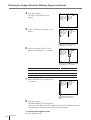
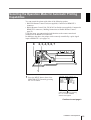
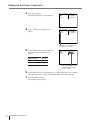
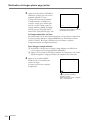
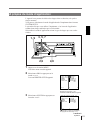
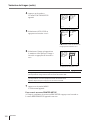
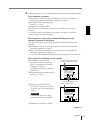
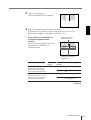
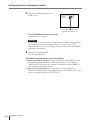
Select the function of the CLEAR
button by pressing the ı or ∫ button.
FU NC T I ON S E T UP CO L OR n n n
PRE SS
P R N SE T UP
A U T O L I V E OF F / ON
I MME D . C A P. OF F / ON
PR I N T /
R M 2 F U NC
ALL /
C L E AR
Q1 A
1
S
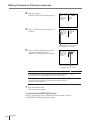
Switch the desired function to green
by pressing the ı or ∫ button.
7
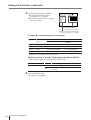
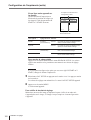
Function of the CLEAR button
Settings
To deactivate the CLEAR button
OFF
To delete images of all memory pages
ALL
To delete images of a single memory page
PAGE
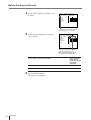
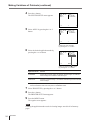
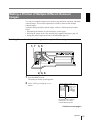
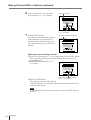
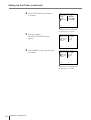
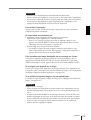
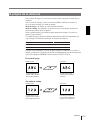
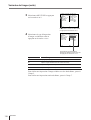
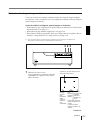
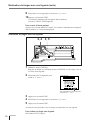
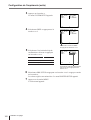
Select PRN SETUP by pressing the ◊
or √ button.
FU NC T I ON S E T UP CO L OR n n n
PRE SS
P R N SE T UP
A U T O L I V E OF F / ON
I MME D . C A P. OF F / ON
PR I N T /
R M 2 F U NC
ALL /
C L E AR
Q1 A
1
S
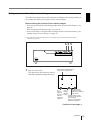
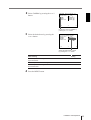
Position the cursor to PRN
SETUP by pressing the ◊ or √
button.
8
Press the ∫ button.
The PRINTER SETUP menu appears.
Once you set the function of the CLEAR button, the CLEAR button functions
according to the setting until the function setting is changed.
To return to the regular screen
Press the MENU button.
46
Operation