1
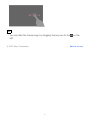
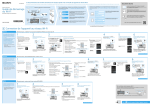
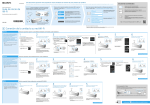
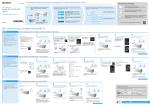
You can also display the Wi-Fi setting screen by tapping the button shown
below this procedure.
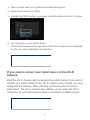
2. Tap the network you want to connect to from the Wi-Fi networks
displayed.
3. Enter the password.
4. Tap [Connect].
[Connected] appears below the name of the Wi-Fi network you connected
to after you have established a connection.
To display the Wi-Fi
setting screen.
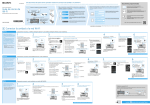
Connecting to a wireless network with the WPS button
1. Display the Wi-Fi setting screen.
You can also display the Wi-Fi setting screen by tapping the button shown
below this procedure.
2. Tap the network you want to connect to from the Wi-Fi networks
displayed.
14