1
01US01COV.book Page 142 Wednesday, December 3, 2003 10:02 AM
Using “Memory Stick™” media
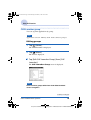
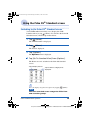
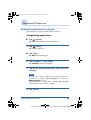
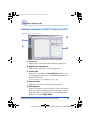
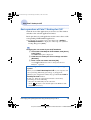
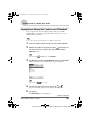
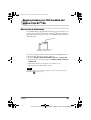
Assigning a name to “Memory Stick” media
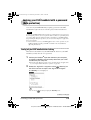
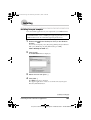
You can assign a name to “Memory Stick” media with Card Info.
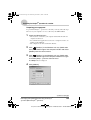
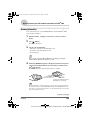
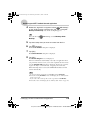
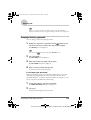
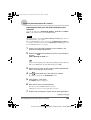
1
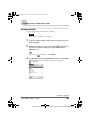
Insert the “Memory Stick” media into your CLIÉ handheld.
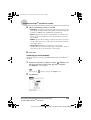
2
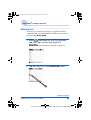
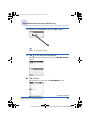
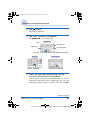
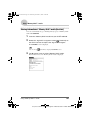
Rotate the Jog Dial™ navigator to select
(Card Info) on
the CLIE Launcher and press the Jog Dial™ navigator.
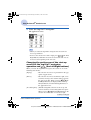
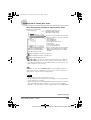
The Card Info screen is displayed.
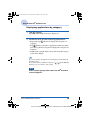
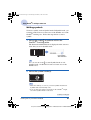
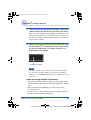
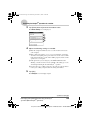
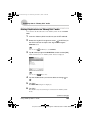
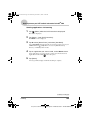
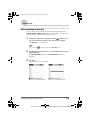
3
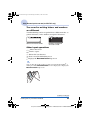
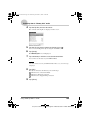
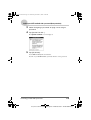
Tap
(Menu).
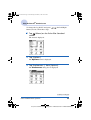
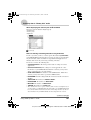
The menu is displayed.
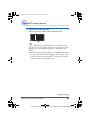
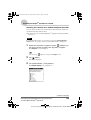
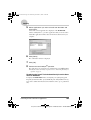
4
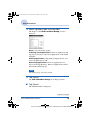
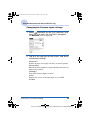
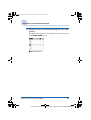
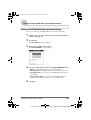
Tap [Rename Card] from [Card].
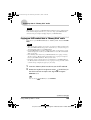
The Rename Card dialog box is displayed.
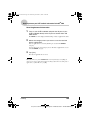
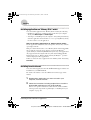
5
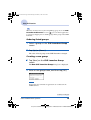
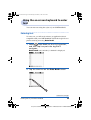
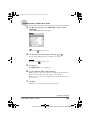
Enter a new name for the inserted “Memory Stick” media and
tap [Rename].
Using “Memory Stick™” media
142
Sony Personal Entertainment Organizer PEG-TJ37/TJ27 A-BTG-100-11 (1)