1
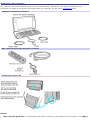
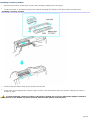
Removing a PC Card
1.
Close all applications that may access the PC Card to avoid data loss.
2.
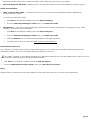
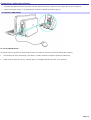
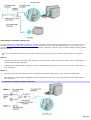
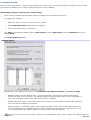
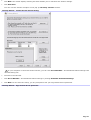
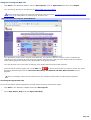
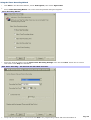
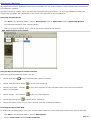
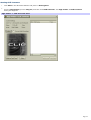
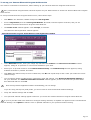
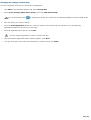
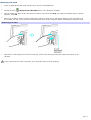
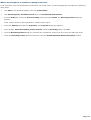
Double-click the
3.
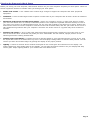
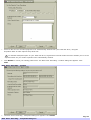
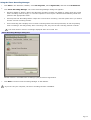
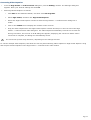
Click to select the name of the card that you want to eject and click Stop. The Stop a Hardware Device window
appears. Click OK.
4.
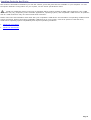
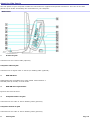
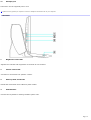
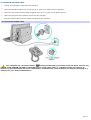
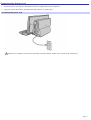
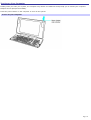
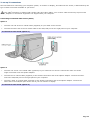
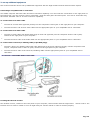
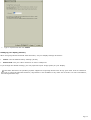
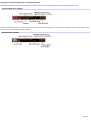
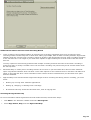
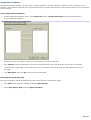
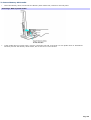
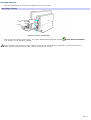
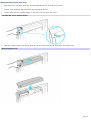
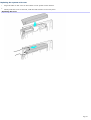
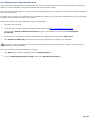
When the message "Safe to Remove Hardware" appears, push the PC Card Eject button on the right panel of
the system unit. Be sure to extend the Eject button out from the computer before attempting to eject the card.
Safely Remove Hardware icon in the Windows® taskbar.
Rem ov ing a PC Card
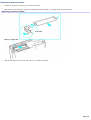
5.
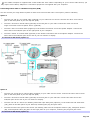
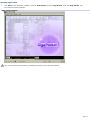
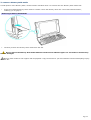
When the PC Card ejects from the PC Card slot, remove the card by holding the edges and pulling it out
carefully.
If you remove the PC Card incorrectly, your computer may not work properly.
Page 73