1
Table of
contents
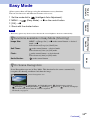
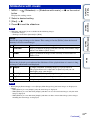
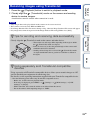
Playback zoom
Plays back the enlarged image.
1 Turn the
(Playback zoom) lever to (T) during still
image playback.
2 Adjust the position with the control button.
3 Change the zoom scale with the
lever.
(Playback zoom)
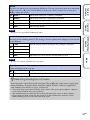
Turn the lever to (T) to zoom in, to (W) to zoom out.
Press z to cancel playback zoom.
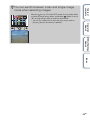
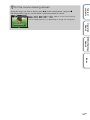
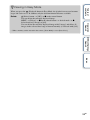
You can save an enlarged image by using the trimming function.
Press MENU t [Retouch] t [Trimming (Resize)].
MENU/Settings
Search
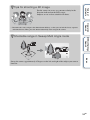
zTo save enlarged images
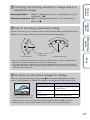
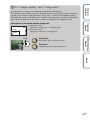
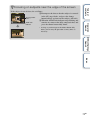
Shows the displayed
area of the whole
image
Operation
Search
The image is enlarged to twice the previous size, at the center of the
image.
Index
43GB