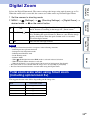
1
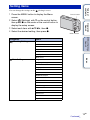
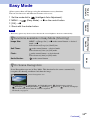
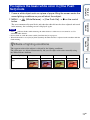
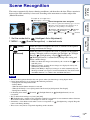
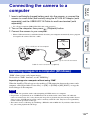
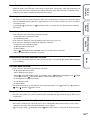
Multiple images are shot while the camera is moving, and these images are compiled into a 3D
image.
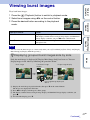
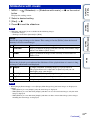
1 Set the mode dial to
Table of
contents
3D Shooting
(3D Shooting).
(Sweep Multi Angle) t z on the
Operation
Search
2 Select
(3D Sweep Panorama) or
control button.
3 Align the camera with the end of the subject to be
shot and press the shutter button.
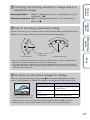
For
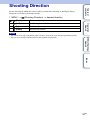
(3D Sweep Panorama), press MENU t
(Shooting Direction) to change the shooting direction.
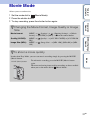
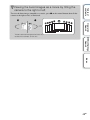
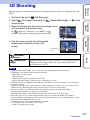
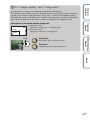
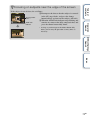
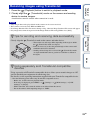
4 Pan the camera to the end of the guide,
following the indication on the LCD
screen.
Guidance
bar
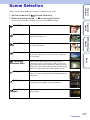
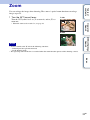
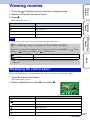
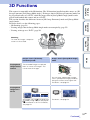
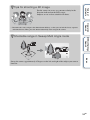
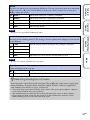
Shoots an image that can be played back on a 3D TV.
(Sweep Multi
Angle)
Shoots an image that can be played back as a stereoscopic image by
tilting the camera to the right or left, and an image that can be
played back on a 3D TV.
Index
(3D Sweep
Panorama)
MENU/Settings
Search
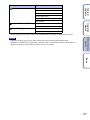
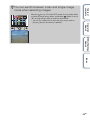
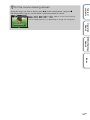
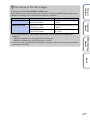
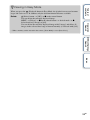
This part will not be taken
Notes
• In [Sweep Multi Angle] mode, you can select only the [16:9(2M)] panoramic image size.
• 3D shooting is not suitable for the following situations:
– When there is a large subject
– Moving subjects
– When the main subject is too close to the camera
– Images with little contrast, such as the sky, a sandy beach, or lawn
• 3D images consist of a JPEG file and an MPO file. If either file is deleted on your PC, the camera may
not operate correctly.
• If you cannot pan the camera across the entire subject within the given time, a gray area occurs in the
composite image. If this happens, move the camera faster to record a full 3D image.
• Since several images are stitched together, the stitched part will not be recorded smoothly.
• Under low light conditions, the images may be blurred.
• Under lights that flicker, such as fluorescent lights, the 3D shot may not be successful.
• If the entire angle of view of the 3D shot and the angle of view when the AE/AF was locked are
extremely different in brightness, color or focus, the shot will not be successful. If this happens, change
the location of the AE/AF lock and try again.
• 3D shooting may be canceled in the following situations:
– You pan the camera too quickly or too slowly.
– There is too much camera shake.
53GB
Continued r