1
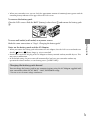
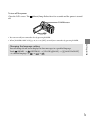
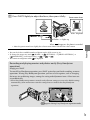
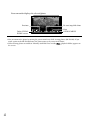
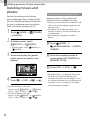
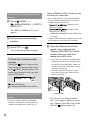
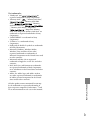
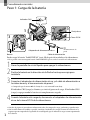
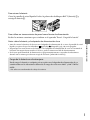
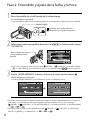
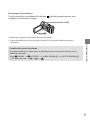
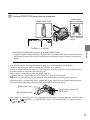
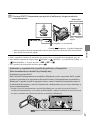
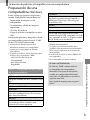
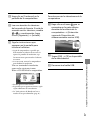
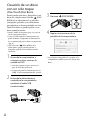
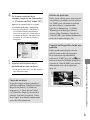
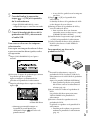
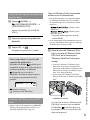
To turn off the power Close the LCD screen. The off. (Movie) lamp flashes for a few seconds and the power is turned POWER button You can turn off your camcorder also by pressing POWER. When [POWER ON BY LCD] (p. 42) is set to [OFF], turn off your camcorder by pressing POWER. Getting started Changing the language setting You can change the on-screen displays to show messages in a specified language. (SETTINGS) [CLOCK/ LANG] [ LANGUAGE SET] Touch (HOME) . a desired language US 15