1
Diverting calls
You can divert calls, for example, to an answering service.
When Restrict calls is used, some divert call options are not available.
1
2
3
4
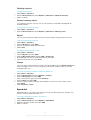
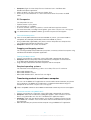
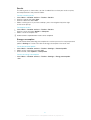
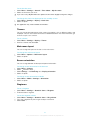
To divert calls
Select Menu > Settings > Calls > Divert calls.
Select a call type and a divert option.
Select Activate.
appears.
Enter the number to divert calls to and select OK.
Call waiting
You will hear a beep if you receive a second call while call waiting is active.
•
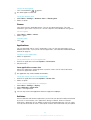
To activate call waiting
Select Menu > Settings > Calls > Manage calls > Call waiting > Activate.
More than one call
You can handle more than one call at a time. For example, you can put an ongoing call on
hold while you make or answer a second call. You can also switch between the two calls.
You cannot answer a third call without ending one of the first two calls.
•
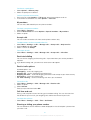
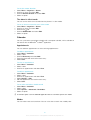
To switch between two calls
During the call, press
.
•
To join two calls
During the call, select Options > Join calls.
•
To end an ongoing call and return to the call on hold
and then
.
First press
1
2
3
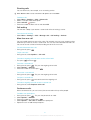
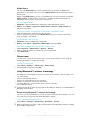
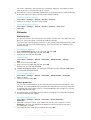
To make a second call
During the call, press
. This puts the ongoing call on hold.
Select Options > Add call.
.
Enter the number to call and press
•
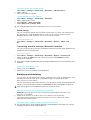
To answer a second call
During the call, press
. This puts the ongoing call on hold.
•
To reject a second call
During the call, press
and continue with the ongoing call.
•
To end an ongoing call and answer a second call
During the call, select Replace active call.
Conference calls
With a conference call, you can have a joint conversation with up to five people.
1
2
3
4
5
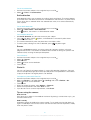
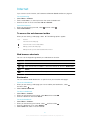
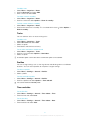
To add a new participant
. This puts the joined calls on hold.
During the call, press
Select Options > Add call.
.
Enter the number to call and press
Select Options > Join calls to add the new participant.
Repeat this task to add more participants.
21
This is an Internet version of this publication. © Print only for private use.