1
System > Certificates
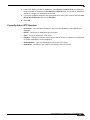
Importing a Certificate Authority Certificate
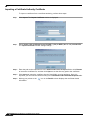
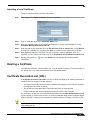
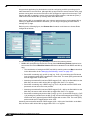
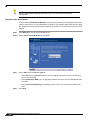
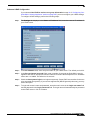
To import a certificate from a certificate authority, perform these steps:
88
Step 1
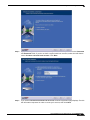
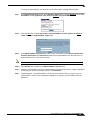
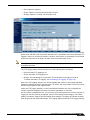
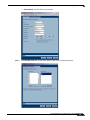
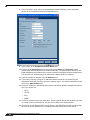
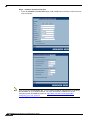
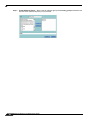
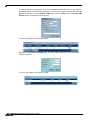
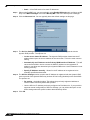
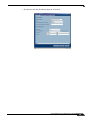
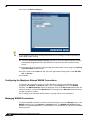
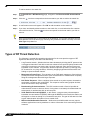
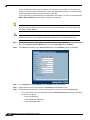
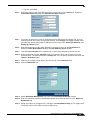
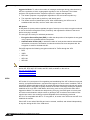
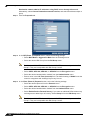
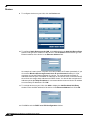
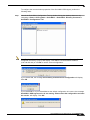
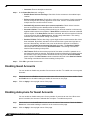
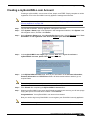
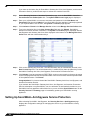
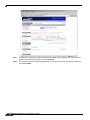
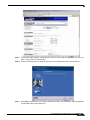
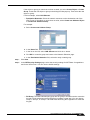
Click Import. The Import Certificate window is displayed.
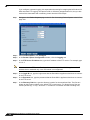
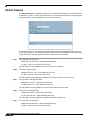
Step 1
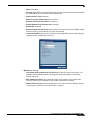
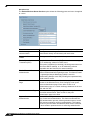
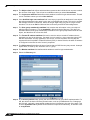
Select Import a CA certificate from a PKCS#7 (*.p7b) or DER (.der or .cer) encoded file.
The Import Certificate window settings change.
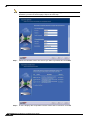
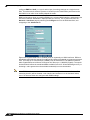
Step 2
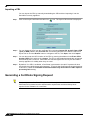
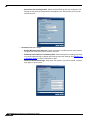
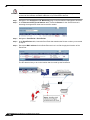
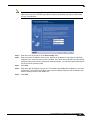
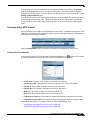
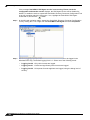
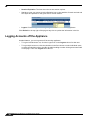
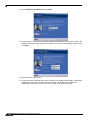
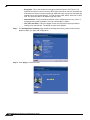
Enter the path to the certificate file in the Please select a file to import field or click Browse
to locate the certificate file, and then click Open to set the directory path to the certificate.
Step 3
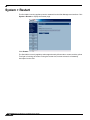
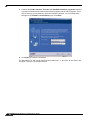
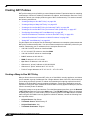
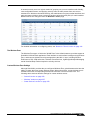
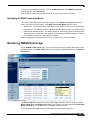
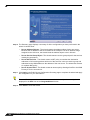
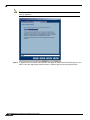
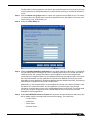
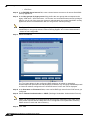
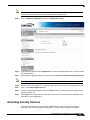
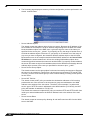
Click Import to import the certificate into the SonicWALL security appliance. Once it is
imported, you can view the certificate entry in the Certificates and Certificate Requests table.
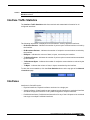
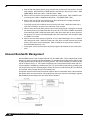
Step 4
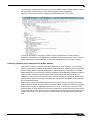
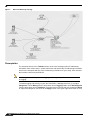
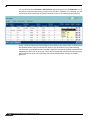
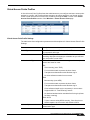
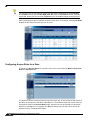
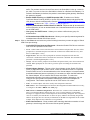
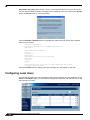
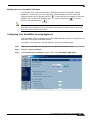
Moving your pointer to the
information.
SonicOS Enhanced 4.0 Administrator Guide
icon in the Details column displays the certificate details