1
Gigaset SL375 / AUS / A31008-M1903-C401-1-7619 / registr_sett.fm / 14.8.07
Handset settings
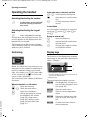
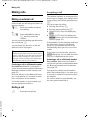
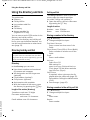
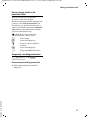
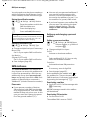
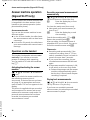
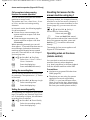
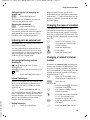
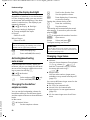
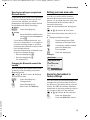
Rejecting/accepting an unregistered
Bluetooth device
Version 4, 16.09.2005
If a Bluetooth device that is not registered
in the list of known devices tries to connect with the handset, you will be
prompted on the display to enter the PIN
for the Bluetooth device (bonding).
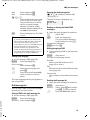
u Reject
§Go Back§
Press the display key.
u Accept
~
Enter the PIN for the Bluetooth
device you want to accept and
press §OK§.
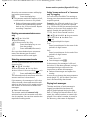
If you have accepted the device, you
can use it temporarily (i.e. as long as it
is within receiving range or until you
deactivate the handset) or save it to the
list of known devices.
Once the PIN has been confirmed, save
to the list of known devices:
– Press the display key Yes.
– Press the display key No:
use temporarily.
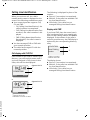
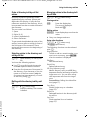
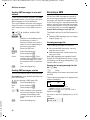
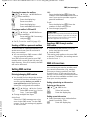
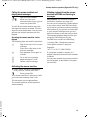
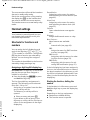
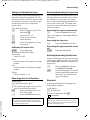
Setting your own area code
In order to transfer phone numbers
between Bluetooth connections and
phone, it is essential that your area code
(international and local area code) is
stored on the phone.
Some of these numbers are already preset.
w ¢ Ð ¢ Handset ¢ Area Codes
Check that the (pre)set area code is correct.
¤ Change multiple line input:
q
Select/change input field.
r
Navigate in the input field.
X
If necessary, delete number:
press the display key.
~
Enter number.
Save
Press the display key.
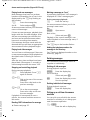
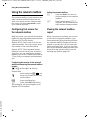
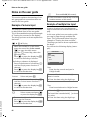
Example:
Area Codes
International code:
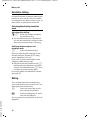
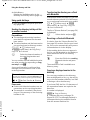
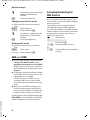
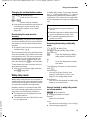
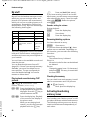
Changing the Bluetooth name of the
handset
00
- 49
0
- [ 89
You can change the handset name used
to identify it on the display of another
Bluetooth device.
w ¢ í ¢ Data Transfer ¢ Bluetooth
¢ Own Device Name
Change
Press the display key
~
Change name
Save
Press the display key
a
Back: Press and hold key.
X
Local area code:
]
Save
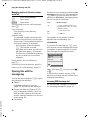
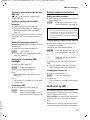
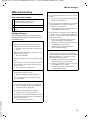
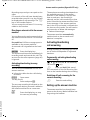
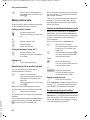
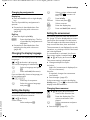
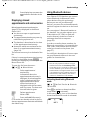
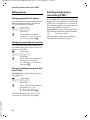
Restoring the handset to
factory settings
You can reset any individual settings and
changes that you have made. Entries in
the directory, the call-by-call list, the call
history, the SMS lists and the handset's
registration to the base station as well as
the content of My stuff are retained.
w ¢ Ð ¢ Handset ¢ Reset Handset
Yes
Press the display key.
a
Press and hold (idle status).
57