1
Extras
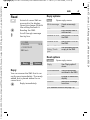
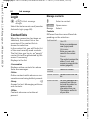
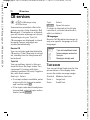
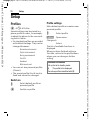
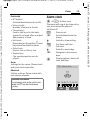
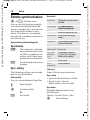
Stopwatch
C ¢S¢Stopwatch
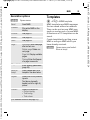
Two intermediate times can be recorded and saved.
Display, also in standby mode.
§Start§/§Stop§
*
Save intermediate time.
After a stop:
§Reset§
Reset to zero.
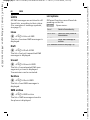
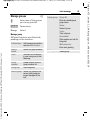
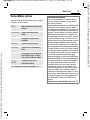
Stopwatch options
§Options§
Stopwatch
list
Open menu.
Display saved entries.
(For standard functions see page 16)
117
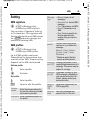
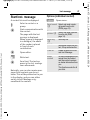
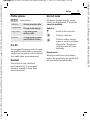
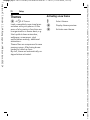
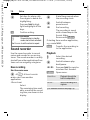
Countdown
C ¢S¢Countdown
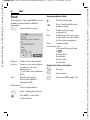
A set time elapses. The last
3 seconds are indicated by a beep. At
the end a special beep sounds.
Display, also in standby mode.
If no time has been entered:
C
Open input window.
J
Set period of time.
C
C
Confirm.
Start countdown.
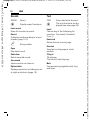
If a countdown time is specified:
C
Start countdown.
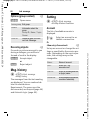
While the time is elapsing:
C
C
Interrupt counter.
Let counter continue
running.
§Reset§
Reset counter to starting
time.
§Edit§
Enter new period of time
and confirm with §OK§.
Template: X75, Version 2.2; VAR Language: en; VAR issue date: 050224
© Siemens AG 2003, C:\Daten_itl\Siemens\DTP-Satz\Produkte\CX75_Phoenix_1\output\FUG\CX75_fug_en_050511_vz_pk_druck\PHO_Extras.fm
right page (117) of CX75 FUG en, A31008-H7420-A1-1-7619 (11.05.2005, 16:20)