1
left page (84) of S65 FUG en, A31008-H7400-A1-1-7619 (21.01.2005, 10:09)
S65 FUG en, A31008-H7400-A1-2-7619
Setup
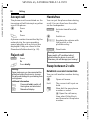
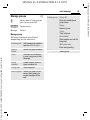
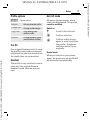
All calls
All calls are diverted.
Ç
b
Symbol in the top line of
the display in standby
mode.
Not reachable
Divert occurs if phone is switched off
or is out of range.
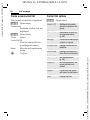
No reply
A call is only diverted after a delay
that is determined by the network.
The period can be set to a maximum
of 30 seconds in 5-second intervals.
Busy
Divert occurs if a call is in progress. If
Call waiting is activated (p. 25), you
will hear the call waiting tone during
a call (p. 27).
b
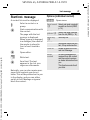
Receiving fax
Fax calls are diverted to a number
with a fax connection.
b
Receiving data
Data calls are diverted to a phone
number with a PC connection.
Additional information
Note that the divert is stored in the network
and not in the phone (e.g. when the SIM
card is changed).
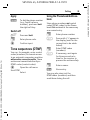
Reactivate divert
The last divert has been stored. Proceed as
with “Set divert”. The stored phone number
is displayed. Confirm number.
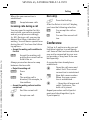
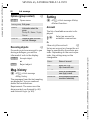
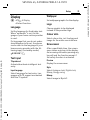
Call screening
b
Only calls from phone numbers that
are in the Phonebook/Addressbook
or assigned to a group are signalled.
Other calls are only displayed.
Any key answ.
Incoming calls can be accepted by
pressing any key (except for B).
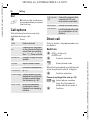
Minute beep
During the call, you will hear a beep
after each minute as a reminder of
the time elapsed. The person you are
talking to does not hear this beep.
Siemens AG 2003, L:\Mobil\R65\S65_Penelope_v2\en\fug\S65_CallSetup.fm
VAR Language: en; VAR issue date: 040517
84