1
AT Command Set
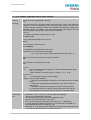
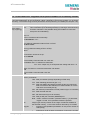
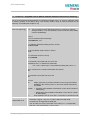
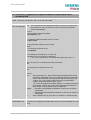
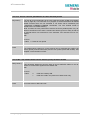
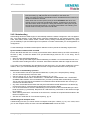
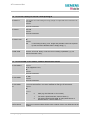
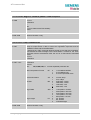
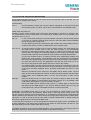
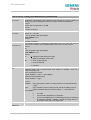
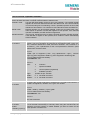
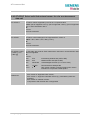
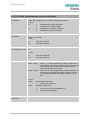
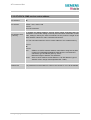
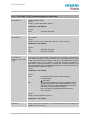
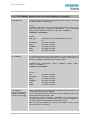
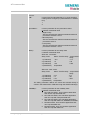
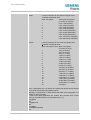
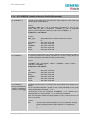
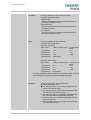
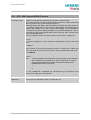
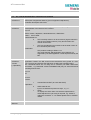
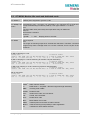
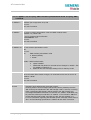
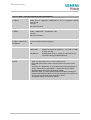
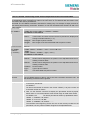
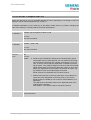
8.30 AT^SPBS Steps the selected phonebook alphabetically
This command can be used to flick through the active phonebook records in alphabetical order by
name.
CAUTION: The AT^SBPS command is intended for reading only. For example, it helps you find entries starting with matching characters. However, do not use the listed index numbers to dial out or
modify entries.
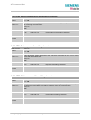
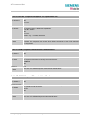
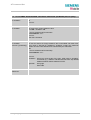
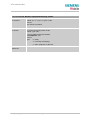
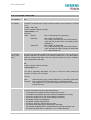
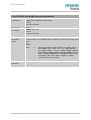
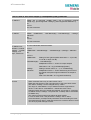
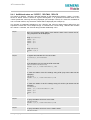
Test command
Response
AT^SPBS=?
^SPBS: (list of supported <value>s)
OK
Parameter
See write command
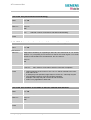
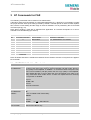
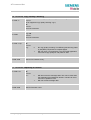
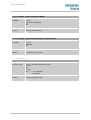
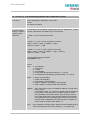
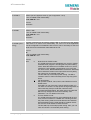
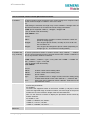
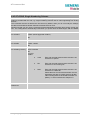
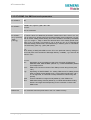
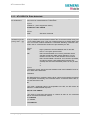
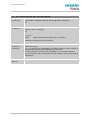
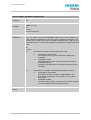
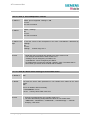
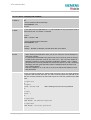
Write command
Parameter
AT^SPBS=
<value>
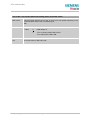
<value> 1 to make a step downward in the alphabetically sorted phonebook
2 to make a step upward in the alphabetically sorted phonebook
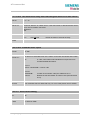
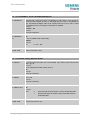
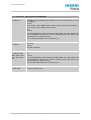
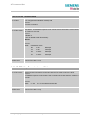
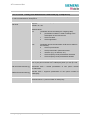
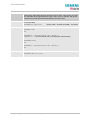
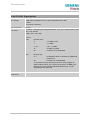
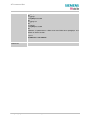
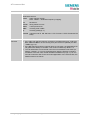
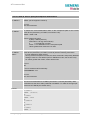
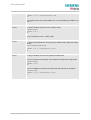
Response
If <value>=1
TA steps down one entry.
^SPBS: <index2>,<number>,<type>,<text> <CR,LF>
^SPBS: <index3>,<number>,<type>,<text> <CR,LF>
^SPBS: <index4>,<number>,<type>,<text> <CR,LF>,<CR,LF>
OK
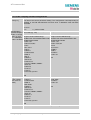
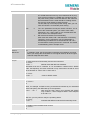
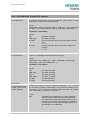
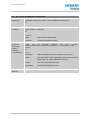
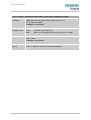
If <value>=2 (after <value>=1)
TA steps up one entry.
^SPBS: <index1>,<number>,<type>,<text> <CR,LF>
^SPBS: <index2>,<number>,<type>,<text> <CR,LF>
^SPBS: <index3>,<number>,<type>,<text> <CR,LF>,<CR,LF>
OK
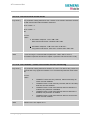
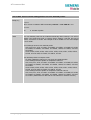
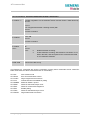
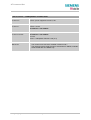
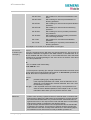
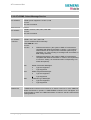
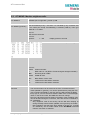
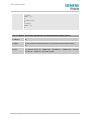
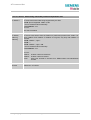
If error is related to ME functionality:
+CME ERROR: <err>
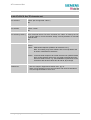
The response parameters are explained in the specification of the “AT^SPBG”
command.
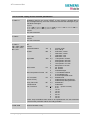
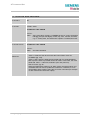
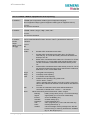
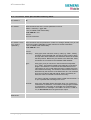
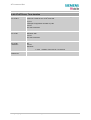
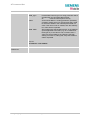
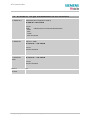
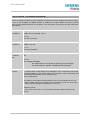
Reference
Note
Siemens
This command can be used for the ME, SM and FD phonebook.
MC35_ATC_01_V04.00
Page 203 of 238
02.04.2002