1
all.book Page 60 Friday, July 4, 2003
2:31 PM
Caller ID (Requires Subscription to Service)
To delete calls from the Caller ID list
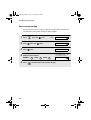
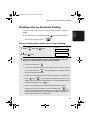
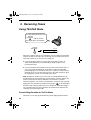
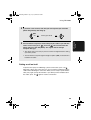
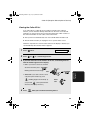
If you want to delete a single call from the caller list, press
while the call
appears in the display. If you want to delete all calls from the list, hold
down for at least 3 seconds while you are viewing any number in the list.
Priority Call
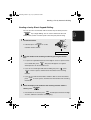
With Caller ID turned on, you can set your fax to make a special ringing sound
when you receive a call from a designated phone number. This lets you know
immediately who is calling without having to look at the display.
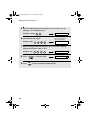
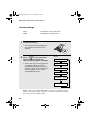
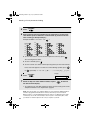
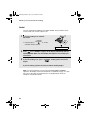
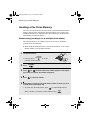
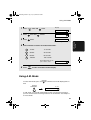
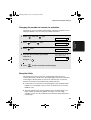
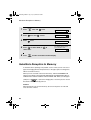
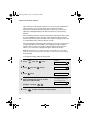
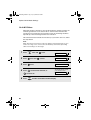
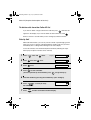
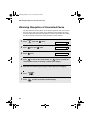
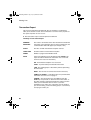
To use this function, enter the desired phone number by following the steps
below (only one phone number can be entered).
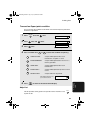
1
Press
2
Press
once and
3
Press
once.
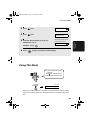
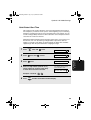
4
Press
FUNCTION
1
once and
twice.
Display: ENTRY MODE
once.
1=SET, 2=CLEAR
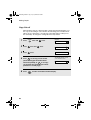
to store a number.
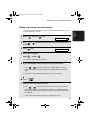
(To clear a previously stored number, press
5
6
7
60
PRIORITY #
2
and go to Step 6.)
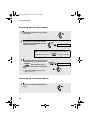
Enter the number by pressing the number keys (max. 20 digits).
START/MEMORY
Press
the number.
Press
STOP
to store (or clear)
OWN NUMBER SET
to return to the date and time display.