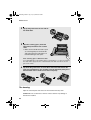
1
all.book Page 46 Friday, July 4, 2003
2:31 PM
Optional Reception Settings
Optional Reception Settings
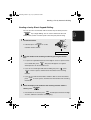
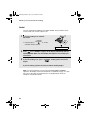
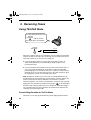
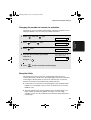
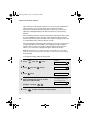
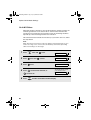
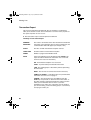
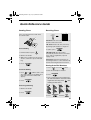
Fax Signal Receive
Your fax will automatically begin reception if you hear a soft fax tone after
answering a call on your fax or an extension phone. If you use a computer fax
modem to send documents on the same line, you must turn this function off in
order to prevent your fax from mistakenly attempting to receive documents
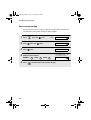
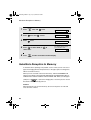
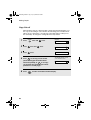
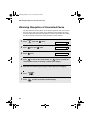
from the computer fax modem. Follow the steps below to change the setting.
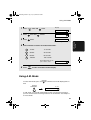
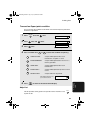
Press
2
Press
once and
3
Press
once.
4
Press
5
FUNCTION
once and
once.
OPTION SETTING
2
46
Display:
1
1
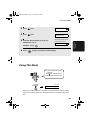
to turn on the function, or
to turn it off.
Press
5 times.
STOP
FAX SIGNAL RX
1=YES, 2=NO
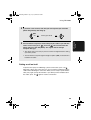
The display briefly shows
your selection, then:
CALLER-ID
to return to the date and time display.