1
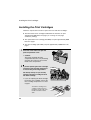
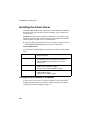
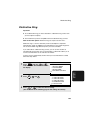
Installing the Printer Driver
Windows NT Server
1
2
3
116
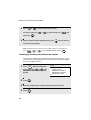
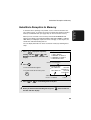
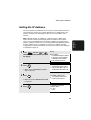
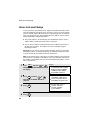
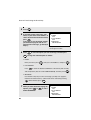
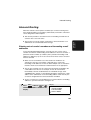
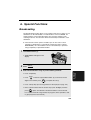
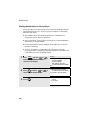
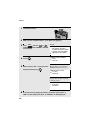
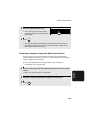
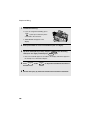
The first step is to install Microsoft TCP/IP Printing. Click the Windows Start
button, point to Settings, and then click on Control Panel.
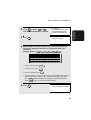
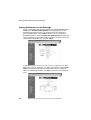
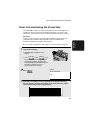
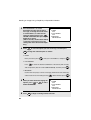
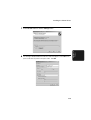
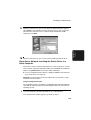
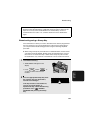
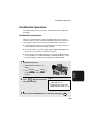
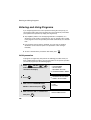
In the Control Panel window, double-click Network to open the Network
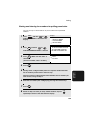
window. Click the Services tab. If “Microsoft TCP/IP Printing” already
appears in the list, close the Network window and go to Step 6. If “Microsoft
TCP/IP Printing” does not appear, click the Add button.
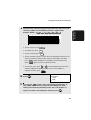
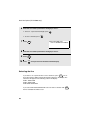
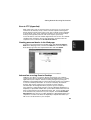
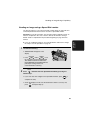
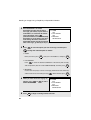
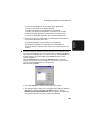
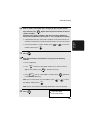
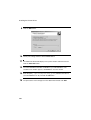
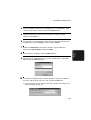
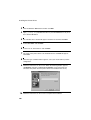
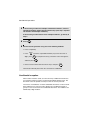
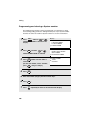
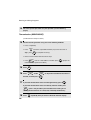
The “Select Network Service” window shows a list of services. Select
“Microsoft TCP/TP Printing”, and click the OK button.