1
all.book
Page 145
Thursday, May 13, 2004
8:51 AM
Printer Driver Settings
Page Layout tab
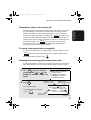
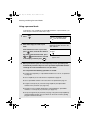
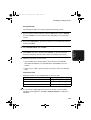
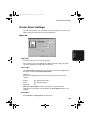
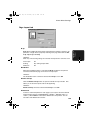
N-up allows multiple document pages (where N is the number of pages) to be
printed on a single sheet of paper by reducing each page. Selections are Off,
2-up, 4-up, 9-up and 16-up.
Limitation:
When any of the following settings are selected, the N-up function cannot be used.
Fit to Paper:
On
Scaling:
Any setting except 100%
All Raster:
On
Borderline
When the borderline feature is selected with N-up, borderlines are printed
around each document page on the sheet of N-up output.
Limitation:
The borderline feature cannot be selected when N-up is set to Off.
Details of N-up
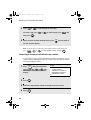
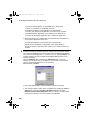
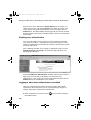
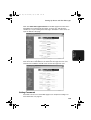
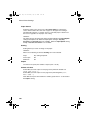
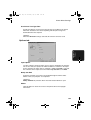
Click the Details of N-up button to open the “Details of N-up” window. This
allows you to select the layout order for N-up printing.
Limitation:
Details of N-up cannot be selected when N-up is set to Off.
Watermark
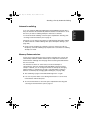
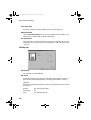
To have a watermark printed on each page of your output, select the desired
watermark from the list (“CONFIDENTIAL”, “DRAFT”, “DO NOT COPY” or
“COPY”). When None is selected, the Watermark is not printed. You can
also add a new Watermark to the list.
145
4. Network
Printer
N-up