1
3
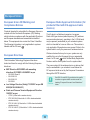
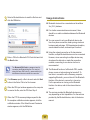
Viewing an Image
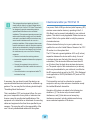
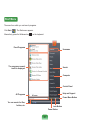
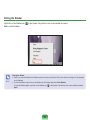
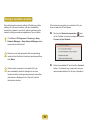
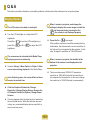
The procedures to view images registered to the Photo
Library individually and via a SlideShow are described
below.
For the procedures to register image files to the Library,
refer to p. 116.
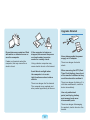
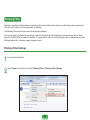
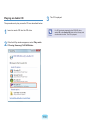
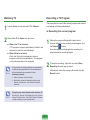
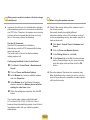
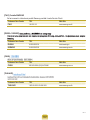
1
2
■
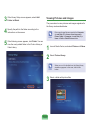
The selected image file is registered to the
Library and displayed in the Preview window.
■
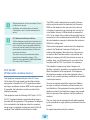
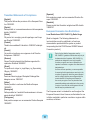
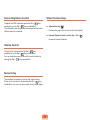
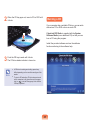
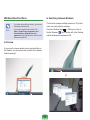
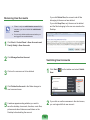
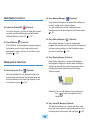
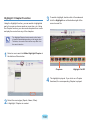
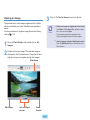
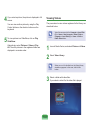
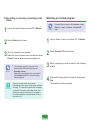
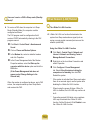
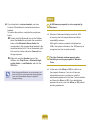
Viewing images using the SlideShow function
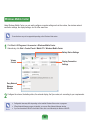
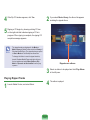
Click the SlideShow button at the bottom of the
Photo Station.
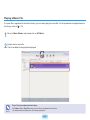
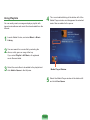
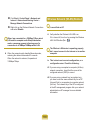
Double-click on an image. The selected image is
displayed in the Preview screen. Press the left and
right arrow keys to navigate through the images.
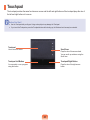
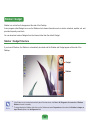
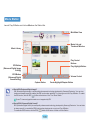
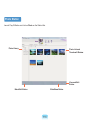
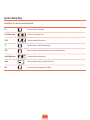
Slide Show
Left and Right
Arrows
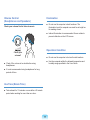
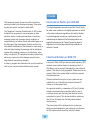
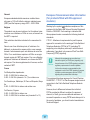
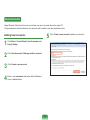
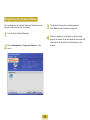
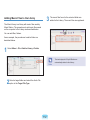
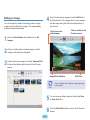
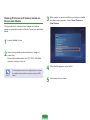
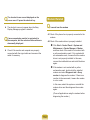
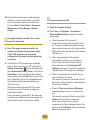
Viewing an image not registered to the Library
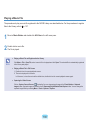
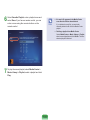
Click Menu > File > Open File, select an image
file to view, and click Open.
Note
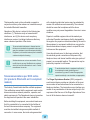
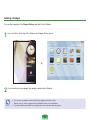
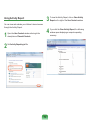
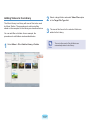
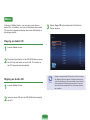
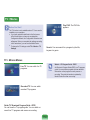
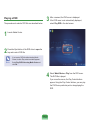
Move to Photo Station and double-click on All
Images.
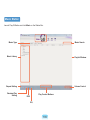
Edit Image
Click on To The list Screen to return to the list.
Zoom
Control
114