1
S PECIAL F E A T U R E S
4
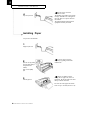
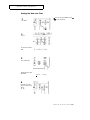
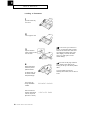
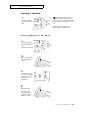
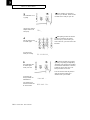
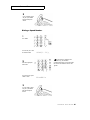
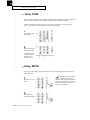
When the number appears
correctly in the LCD, press
START/COPY.
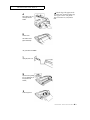
The LCD asks you to enter
a name.
NAME:_
If you assign a name to the number,
you can take advantage of the directory
dialing feature of your machine. For
information about directory dialing, see
page 4.6.
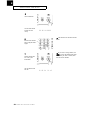
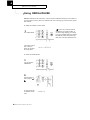
5
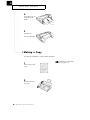
If you want to assign a
name to the number, enter
the name.
For information on how to enter letters
using the number keypad, see page 2.10.
4 If you don’t want to assign a name,
press v or START/COPY.
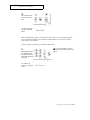
6
Press START/COPY when
the name appears
correctly on the LCD.
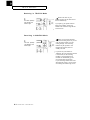
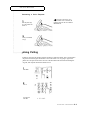
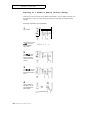
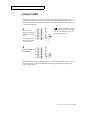
Dialing a One-Touch Number
4 If there is no document loaded, the
telephone number is dialed. If a
document is loaded in the document
tray, pressing the One-Touch button
dials the fax number associated with
that button. The machine automatically
begins to transmit when the remote fax
machine answers the phone.
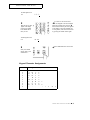
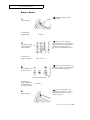
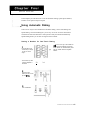
1
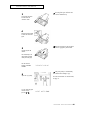
Press the One-Touch
button (01 through 10).
The LCD shows the
number or name stored for
that One-Touch button.
You hear the dialing on the
speaker.
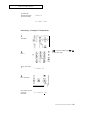
Then the LCD shows the
message “SENDING”, if you
are sending a fax.
4 .4 CHAPTER FOUR : SPECIA L FEATURES
SENDING