1
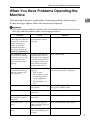
Troubleshooting When Using the Copy Function
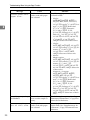
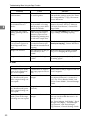
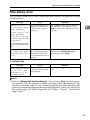
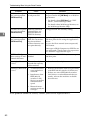
❖ Duplex
Problem
2
Cause
Solution
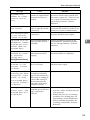
Cannot print in duplex
mode.
You have selected a tray
which is set to [1 Sided
Copy] in [Tray Paper Settings] in [System Settings].
Set the tray to [2 Sided Copy] in [Tray Paper Settings] in [System Settings]. See
“System Settings”, General Settings
Guide.
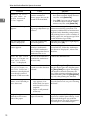
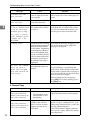
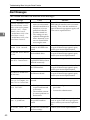
Copies are not in correct
order.
You placed the originals
in the incorrect order.
When placing a stack of originals in the
ADF, the last page should be on the bottom.
If you place an original on the exposure
glass, start with the first page to be copied.
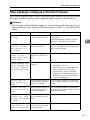
When using Duplex,
copy is made Top to Bottom even though [Top to
Top] is selected.
You placed the originals
in the wrong orientation.
Place the original in the correct orientation. See “Original Orientation”,
Copy/Document Server Reference.
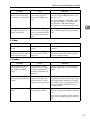
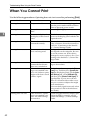
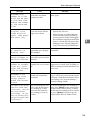
Cause
Solution
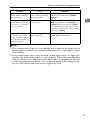
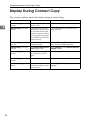
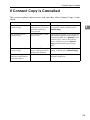
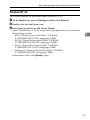
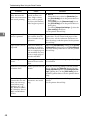
❖ Connect Copy
Problem
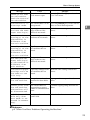
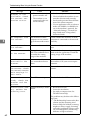
You cannot staple,
punch, or Z-fold.
The main and sub-machines do not have the
same option installed.
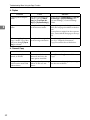
You get different copy re- The Copy Quality setting
sults from the main and
differs on the two masub-machines.
chines.
32
Press [Connect Copy] to cancel Connect
Copy.
Make the same Copy Quality setting
one the two machines.