1
0
B – Command Line Interface
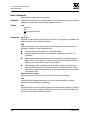
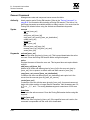
Show Log Command
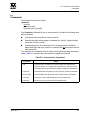
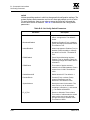
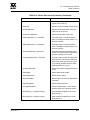
Critical
Monitors critical events.
Warn
Monitors warning events.
Info
Monitors informational events.
None
Monitors none of the severity levels.
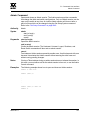
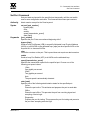
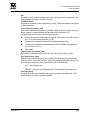
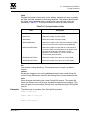
options
Displays the options used to set the component and severity level attributes.
port
Displays the ports being monitored for events. If an event occurs which is of the
defined level and on a defined component, but not on a defined port, no entry is
made in the log.
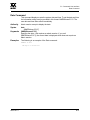
settings
Displays the current settings for component, level and port. This command is
equivalent to executing the following commands separately: Show Log
Component, Show Log Level, and Show Log Port.
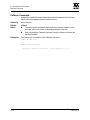
Examples
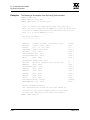
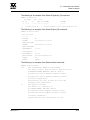
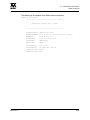
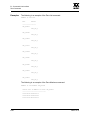
The following is an example of the Show Log Component command:
SANbox2 #> show log component
Current setting(s) for log component: NameServer
The following is an example of the Show Log Level command:
SANbox2 #> show log level
Current settings for log
-----------------------level
Critical
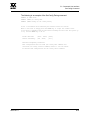
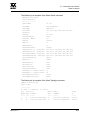
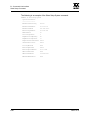
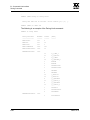
The following is an example of the Show Log Options command:
SANbox2 #> show log options
Allowed options for log
----------------------component
level
B-74
All, None, NameServer, MgmtServer, Zoning, Switch, Chassis, Blade,
Port, Eport, Snmp, Other
Critical,Warn,Info,None
59021-09 A