1
Polycom RMX 1500/2000/4000 Getting Started Guide
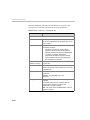
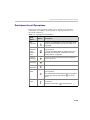
DTMF Codes - Numeric Keys
Before using the shortcut number keys 0-9, enable the DTMF function of the
endpoint
according to that endpoint’s configurations.
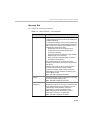
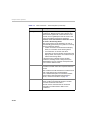
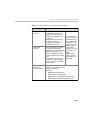
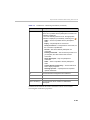
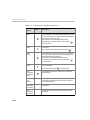
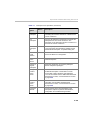
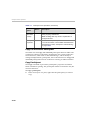
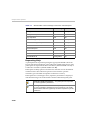
DTMF codes are entered using the Remote Device Numerics Keys and are
defined as follows:
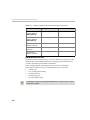
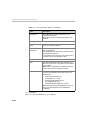
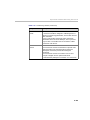
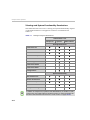
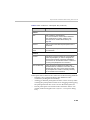
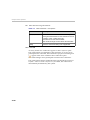
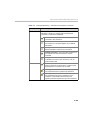
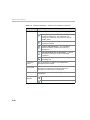
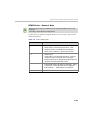
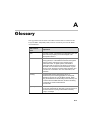
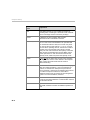
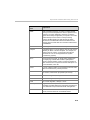
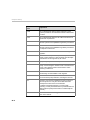
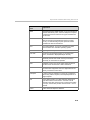
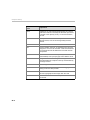
Table 3-11 PCM - DTMF Codes
Numeric Key
Description
0
•
•
Number input.
•
Return to the conference - when in FECC mode.
•
•
Number input.
•
Initiate PCM session on ISDN/PSTN endpoint (1 is the
default for the Start PCM DTMF Code).
•
Initiate DTMF mode (with Polycom endpoints) - during
a conference or when the PCM menu is displayed.
•
Enter a period “.” - while entering an IP address.
1-9
*
#
Shortcut key to a numbered menu option - when
conference video or the PCM menu is displayed.
Shortcut key to a numbered menu option - when the
conference video or the PCM menu is displayed.
Confirm selection and send information to the RMX.
3-93