Download Polycom DOC2560A User's Manual
Transcript
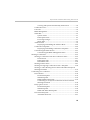
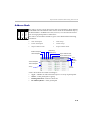
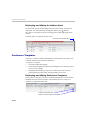
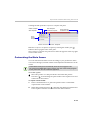
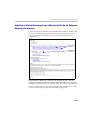
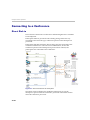
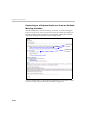
Polycom RMX 1500/2000/4000 Getting Started Guide Viewing and System Functionality Permissions ............... 3-4 Conferences List .............................................................................. 3-5 List Pane ........................................................................................... 3-6 RMX Management ......................................................................... 3-6 Status Bar ......................................................................................... 3-6 System Alerts .......................................................................... 3-7 Participant Alerts .................................................................... 3-7 Port Usage Gauges ................................................................. 3-7 MCU State ................................................................................ 3-8 Address Book .................................................................................. 3-9 Displaying and Hiding the Address Book ........................ 3-10 Conference Templates ................................................................. 3-10 Displaying and Hiding Conference Templates ................ 3-10 Customizing the Main Screen ..................................................... 3-11 Customizing the RMX Management Pane ........................ 3-12 Starting a Conference ........................................................................... 3-15 Starting a Conference from the Conferences Pane .................. 3-16 General Tab ........................................................................... 3-17 Participants Tab ................................................................... 3-21 Information Tab .................................................................... 3-25 Starting a Reservation .................................................................. 3-27 Starting an Ongoing Conference From a Template ................. 3-29 Starting a Video Meeting from a Microsoft Outlook Polycom Meeting Invitation ........................................................................ 3-31 Connecting to a Conference ................................................................ 3-32 Direct Dial-in ................................................................................. 3-32 H.323 Participants ................................................................. 3-33 SIP Participants ..................................................................... 3-33 ISDN/PSTN Participants .................................................... 3-33 Connecting to a Polycom Conference from an Outlook Meeting Invitation ................................................................ 3-34 Entry Queue Access ..................................................................... 3-35 H.323 Participants ................................................................. 3-35 SIP Participants ..................................................................... 3-36 ISDN and PSTN Participants .............................................. 3-36 Dial-out Participants .................................................................... 3-37 Automatic Dial Out .............................................................. 3-37 iii