1
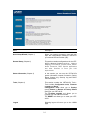
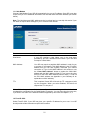
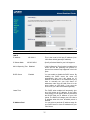
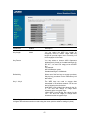
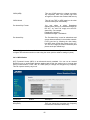
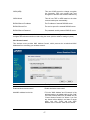
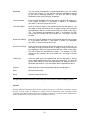
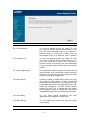
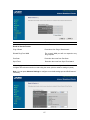
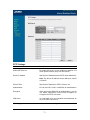
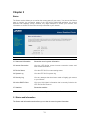
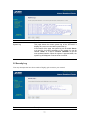
Parameters
Description
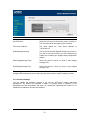
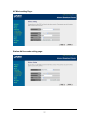
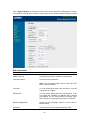
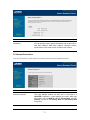
Current Password
Enter your current password for the remote management
administrator to login to your VRT-401G.
Note: By default the password is admin
New Password
Enter your new password
Confirmed Password
Enter your new password again for verification purposes
Note: If you forget your password, you’ll have to reset the router
to the factory default with the reset button (see router’s back
panel)
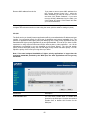
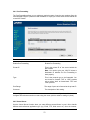
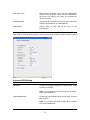
Click <Apply> at the bottom of the screen to save the above configurations. You can now
configure other advance sections or start using the router (with the advance settings in place)
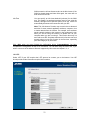
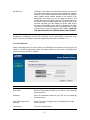
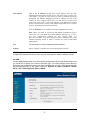
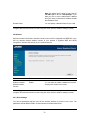
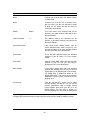
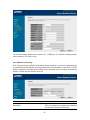
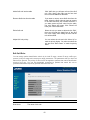
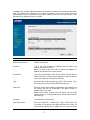
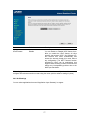
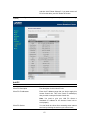
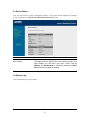
2.1.3 Remote Management
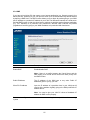
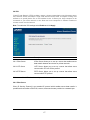
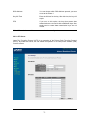
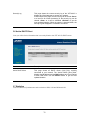
The remote management function allows you to designate a host in the Internet the ability to
configure the VRT-401G from a remote site. Enter the designated host IP Address in the Host IP
Address field.
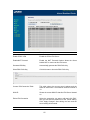
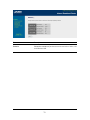
Parameters
Description
30