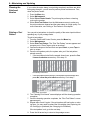
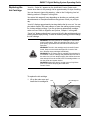
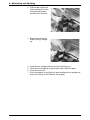
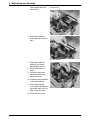
1
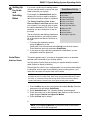
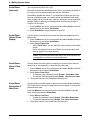
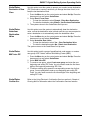
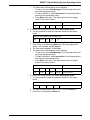
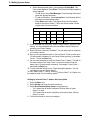
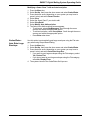
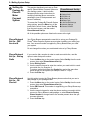
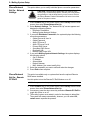
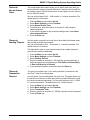
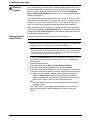
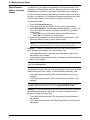
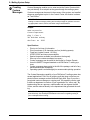
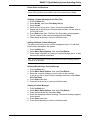
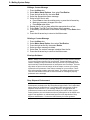
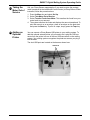
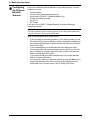
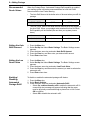
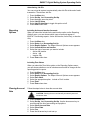
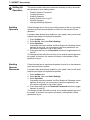
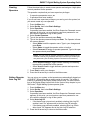
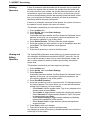
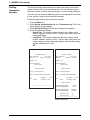
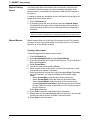
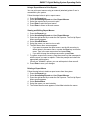
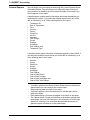
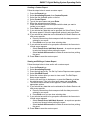
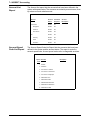
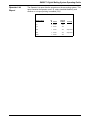
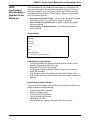
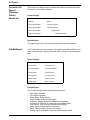
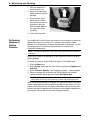
DM925™ Digital Mailing System Operating Guide Setting the Default Scan Type If you are using an accounting system on your mailing system you can set up the scanner so that it knows what field is scanning without using a prefix code. Your selection of Account Name or Account Code depends on your accounting system. You can then scan the account code or name directly from the Main screen on IntelliLink® Control Center display. To set the default value: 1. 2. 3. 4. Press the Menu key on the control center, then select Set Up. Press the down arrow key and then select Barcode Scanner. At the "Barcode Scanner Setup" menu, select Default Scan Type. Select the appropriate option according to the table here: If your accounting system is: Business Manager INVIEW™ or Budget Manager And the barcode contains: Select this default scan type: Account Name Account Name Account Code Account Code Preset Preset Job ID 1 Job ID 1 Job ID 2 Job ID 2 Account Name Account Name Account Code Account Code Preset Preset Job ID 1 Job ID 1 Job ID 2 Job ID 2 5. If you do not want any default account system, or preset, or if you will be scanning multiple fields select None. 6. As soon as you make your selection, the "Barcode Scanner Setup" menu reappears. You can make other selections or press the left arrow key to return to the "Set Up" menu. SV62207 Rev. B 5-29