1
INSTALLING REALJUKEBOX
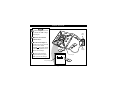
Install the RealJukebox software to manage
your playlist on your PC. RealJukebox lets you:
• Record CD tracks onto your PC or send the
CD songs to RUSH for portable playback.
• Index your songs according to artist, album,
or genre.
• Download music from the Internet.
BEGIN
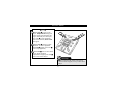
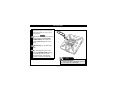
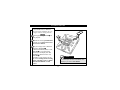
1
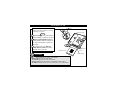
RealJukebox works in ECP (Extended
Capability Port or Printer Port) mode. To make
sure your computer is in ECP mode, select My
Computer → Control panel → System →
Device Manager → Ports. Select ECP at
Ports.
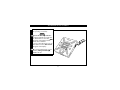
2
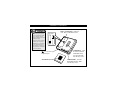
Insert the RealJukebox CD into your
computer’s CD-ROM drive. The setup
screen will appear on your monitor.
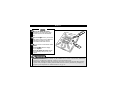
3
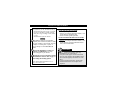
Follow the on-screen directions to install
the RealJukebox software. Refer to page 13
when setting the Encoding Options.
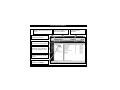
More details about RealJukebox are on
pages 13-14 and 17-20.
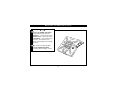
IF YOU ARE NOT IN ECP MODE:
• Restart your computer.
• Refer to your computer instruction manual, or contact the dealer to enter BIOS setup.
• Select ECP as the parallel port mode.
IF YOUR COMPUTER DOES NOT SUPPORT
ECP MODE:
• Refer to your computer instruction manual, or contact the dealer to select EPP (Enhanced Parallel
Port) or bi-directional mode.
Smart Help
• Connect to the Internet while using
RealJukebox to use all the features.
• If any other media player is listed as the default
device for your computer, the RealJukebox player
will not function properly until that device is disabled.
• ECP provides high performance, bi-directional
communication between a host adapter and a
peripheral.
12