1
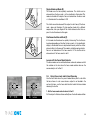
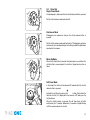
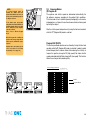
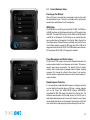
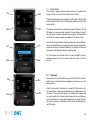
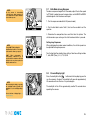
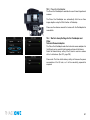
19.1 Using the 2-shot Release
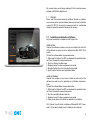
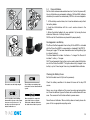
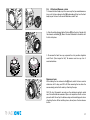
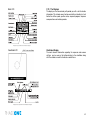
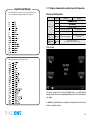
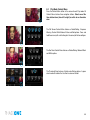
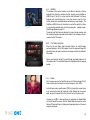
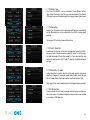
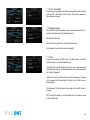
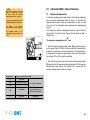
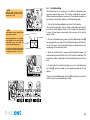
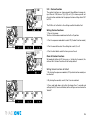
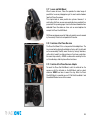
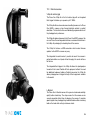
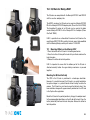
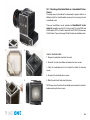
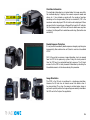
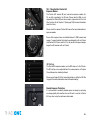
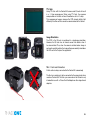
The IQ back can be used with mechanical shutters that can be fired twice
within four seconds. The first release of the shutter activates the digital
back; the second release is for the exposure. If the time limit of four seconds
is exceeded, the camera gives a warning ‘beep’ followed by a ‘two shoot
error’ warning that will be displayed on the LCD screen.
There are several automatic or semi-automatic two shoot solutions
available from third parties manufacturers to use with a mechanical
shutter. Please ask your dealer for more information.
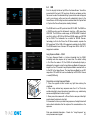
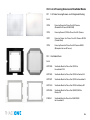
19.2 Using the 1-shot Release
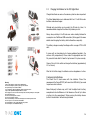
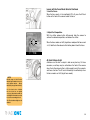
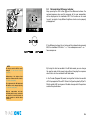
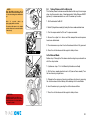
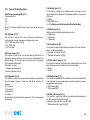
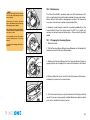
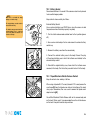
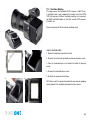
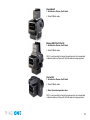
The 1-shot release cable is created to simplify your studio workflow.
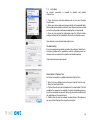
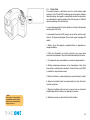
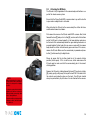
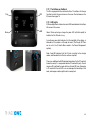
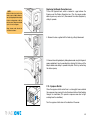
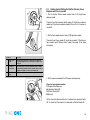
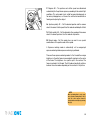
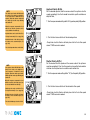
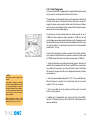
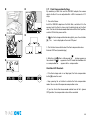
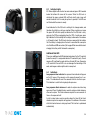
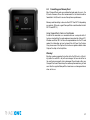
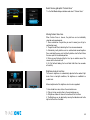
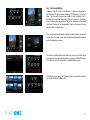
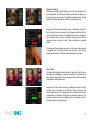
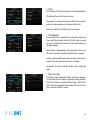
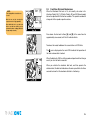
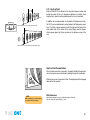
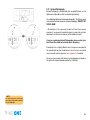
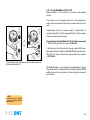
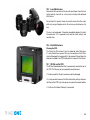
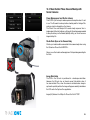
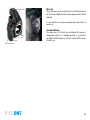
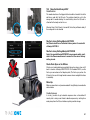
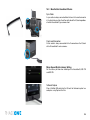
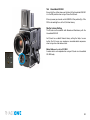
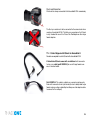
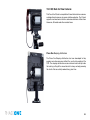
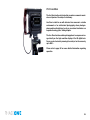
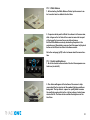
1. Connect the flash exit (circled left) on the shutter and plug the opposite end to the multi-pin port on the IQ back. (Via Part# 50300144
From multi-connector to mini jack female)
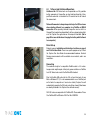
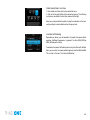
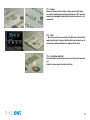
2. Connect a flash sync lead to the port on the IQ back.
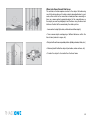
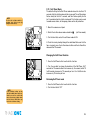
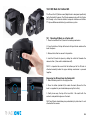
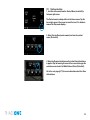
3. Close the shutter if necessary.
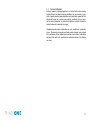
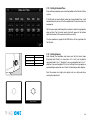
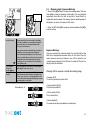
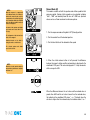
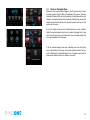
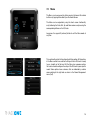
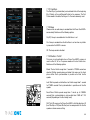
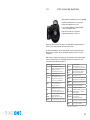
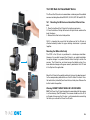
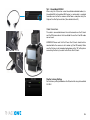
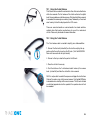
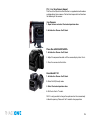
4. Push the button on the 1-shot release lead to ‘wake up’ the camera
back . (circled left) and take the shot within a few seconds.
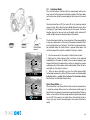
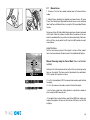
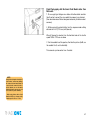
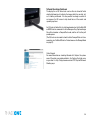
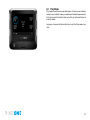
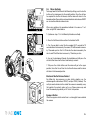
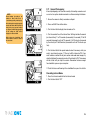
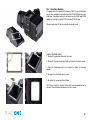
N.B. It is not possible to control the exposure or trigger the shutter from
Capture One when using a fully manual camera. Only limited EXIF data
is recorded when shooting with manual cameras. The IQ back will add
a calculated approximate shutter speed but the aperture value will not
be recorded.
166