1
16.0 IQ2 Back for Hasselblad V Series
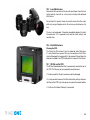
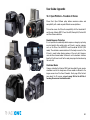
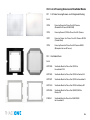
The Phase One IQ back can be mounted on a wide range of Hasselblad
cameras including Hasselblad 555 ELD, 553 ELX, 501 CM and 503 CW.
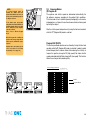
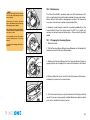
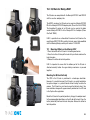
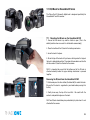
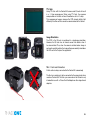
16.1 Mounting the IQ Back on a Hasselblad V Series Camera
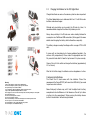
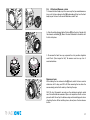
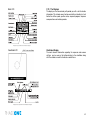
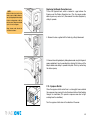
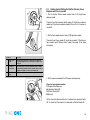
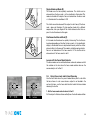
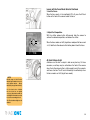
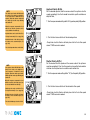
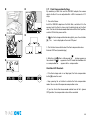
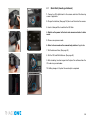
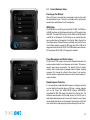
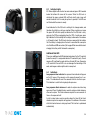
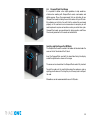
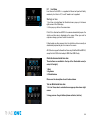
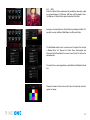
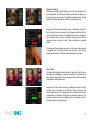
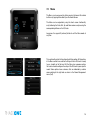
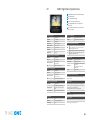
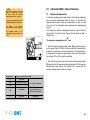
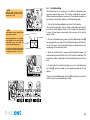
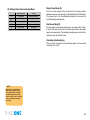
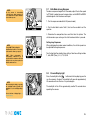
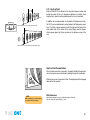
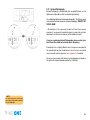
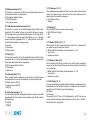
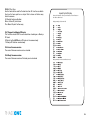
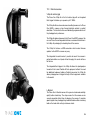
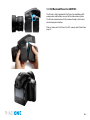
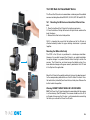
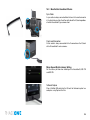
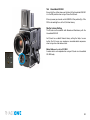
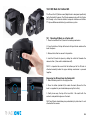
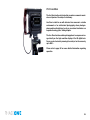
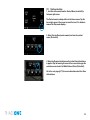
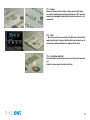
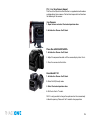
1. Place the bottom of the IQ back in the locking mechanism.
2. Press the button at the top of the back with your thumb and lever the
back into place.
3. Release the button to lock into position.
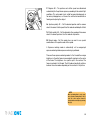
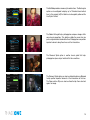
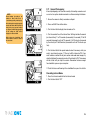
N.B. It is important to ensure that the bottom part of the IQ back is
attached correctly before the upper locking mechanism is pressed
together.
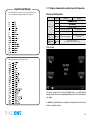
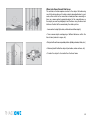
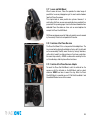
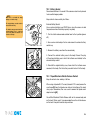
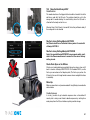
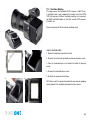
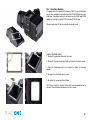
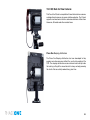
Mounting the IQ Back Vertically
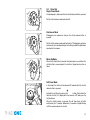
The CCD in the IQ back is positioned in a landscape orientation.
However, it is possible to mount the IQ back in an upright orientation
to capture images in a portrait format without having to rotate the
camera. The IQ back has an internal sensor that detects when it has
been rotated so images will appear correctly oriented on the LCD and
in the Capture One application.
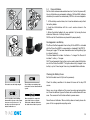
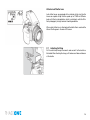
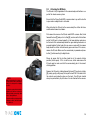
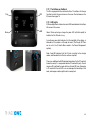
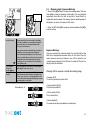
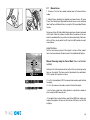
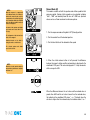
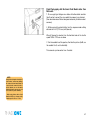
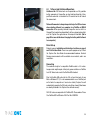
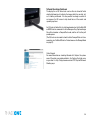
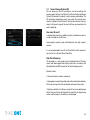
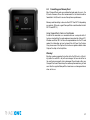
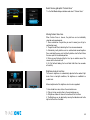
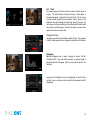
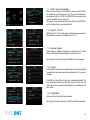
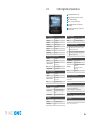
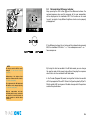
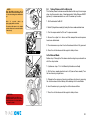
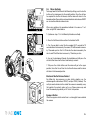
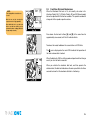
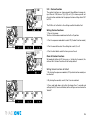
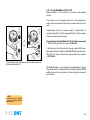
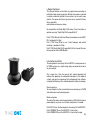
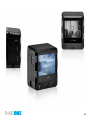
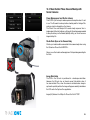
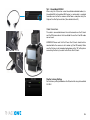
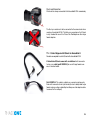
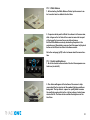
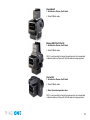
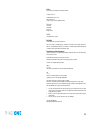
Mount the IQ back in the portrait position by lining up the adapter mount
to the corresponding indentations on the left side of the back. Press
the lock button (circled left) and lever the back into place. Release the
button to lock into position.
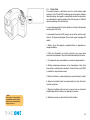
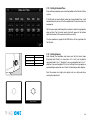
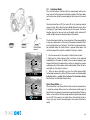
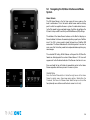
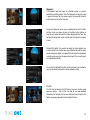
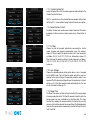
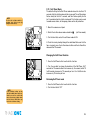
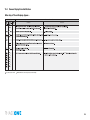
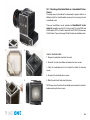
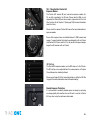
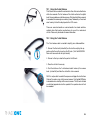
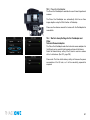
Warning! DO NOT MOUNT WHILE IN S OR RS MODE
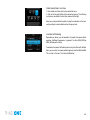
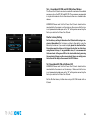
N.B. The Phase One IQ back should not be mounted while the camera
is set to mirror up (S or RS modes). The camera should be set to AS, A
or 0 mode. Also ensure that the lens is not jammed when connecting
the flash sync cable to the Phase One IQ back.
148