1
Chapter 6 Pen Scanner Version
6.7 Scan Direction
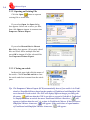
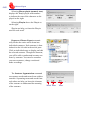
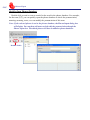
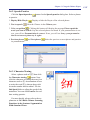
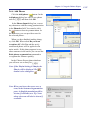
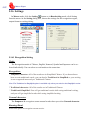
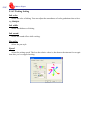
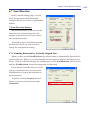
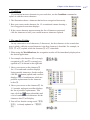
In the [General Setting] page, you can
select the appropriate Scan Mode and
configure the pen to suit left or right-handed
holders.
* Scan Direction Settings
WorldPenScan must be used to scan the
characters in a consistent direction, any
changes to the direction will cause inaccurate recognition results.
According to how you hold the pen and
the direction which you want to scan to
change the configuration settings.
6.7.1 Scanning Horizontal or Vertically Aligned Text
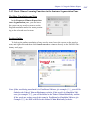
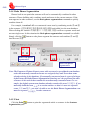
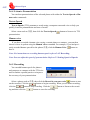
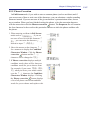
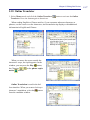
When you first use the WorldPenScan, the default setting is automatically detects the direction of the text. However, you can manually set the scanner to scan in a direction of your
choice. If left in its default settings, the scanning speed of the WorldPenScan will be slower
until the WorldPenScan detects the appropriate text direction.
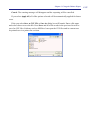
If you already know that all your text all
read in a certain direction, you can set the
WorldPenScan to scan in that direction using the interface.
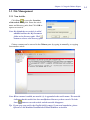
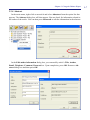
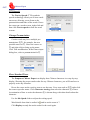
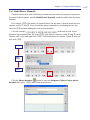
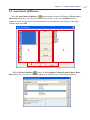
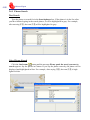
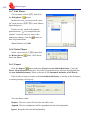
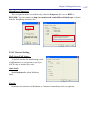
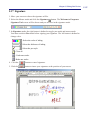
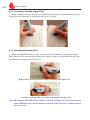
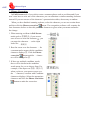
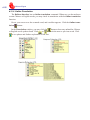
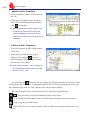
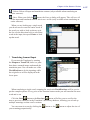
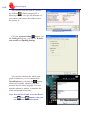
To do this, click the Property tab and
choose your desired text direction under
Orientation.
6-11