1
Setting Up Your Voicemail
All unanswered calls to your device’s phone are automatically transferred to your voicemail,
even if your phone is in use or turned off.
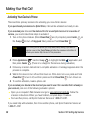
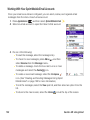
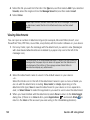
To set up your voicemail:
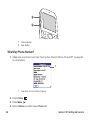
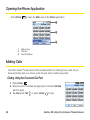
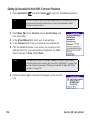
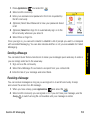
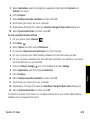
1. Press Phone
.
3. Follow the system prompts to do the following:
䡲 Create your password.
䡲 Record your name announcement.
䡲 Record your greeting.
䡲 Choose whether or not to activate Skip Pass Code (a feature that lets you access
your voicemail simply by pressing and holding 1, bypassing the need for you to
enter your password). If you do not activate Skip Pass Code, your device uses the
Voicemail Pass Code feature, which requires you to enter your password each time
you want to access your voicemail.
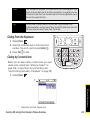
Note
If you are concerned about unauthorized access to your voicemail account,
we recommend that you use the Voicemail Pass Code.
For more information about using your voicemail, see “Using Voicemail” on page 68.
Section 1B: Setting Up Service
31
Setting Up Service
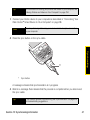
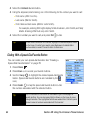
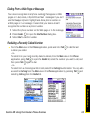
2. Press and hold 1 or tap the Voicemail favorite on the Phone screen.