1
16. Stats
Charger Aux Light
Eq Misc Advanced
Logging gStats
EXIT f g
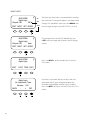
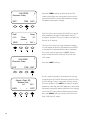
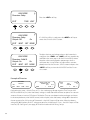
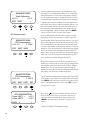
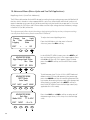
From the MAIN Menu, press the <g> soft key to move
the arrow next to the Stats function and then press the
<GO> soft key
GO
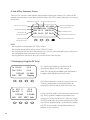
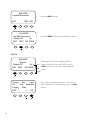
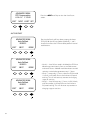
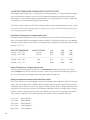
The STATS screen displays additional voltage and time
information.
Daily high VOC
value
Maximum battery
voltage seen by
the FLEXmax 80
Max Watt seen by
the FLEXmax 80
The highest Voc seen
by the FLEXmax 80
Max Bat Voc MaxVoc 14.9 036.6 133.0
MaxWatt 0000 Sunrise
EXIT NEXT 01:30:33
55
In a standalone FLEXmax
80—one that is not
connected to a MATE—
Sunrise shows how long ago
the FLEXmax 80 woke up
for the first time each day
and when the daily and total
logged values were updated
and cleared from the STATUS
screen. If the FLEXmax 80 is
connected to a MATE, the
logging occurs at midinght.
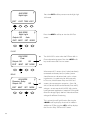
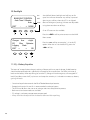
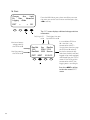
Press the <NEXT> soft key to view the second STATS screen