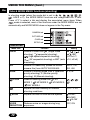
1
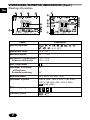
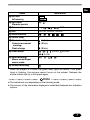
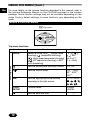
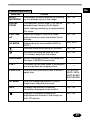
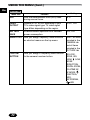
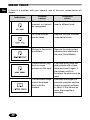
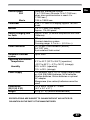
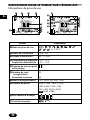
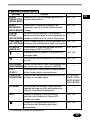
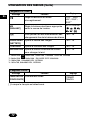
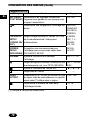
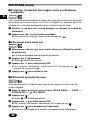
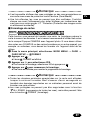
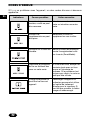
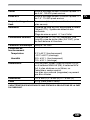
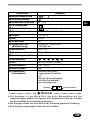
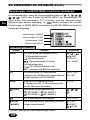
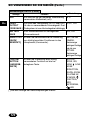
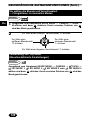
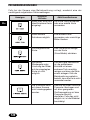
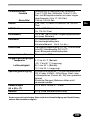
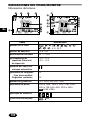
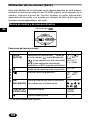
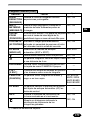
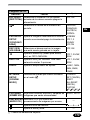
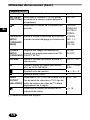
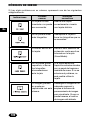
Menu item
Playback mode
INFO
Setting
Function
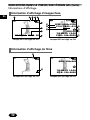
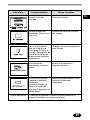
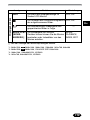
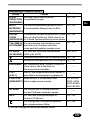
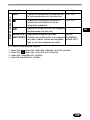
Changes the amount of shooting
information displayed on the monitor.
OFF, ON
Displays a histogram showing the
brightness and contrast of the subject
on the LCD monitor.
OFF, ON
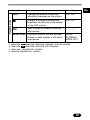
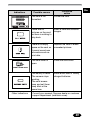
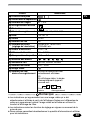
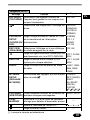
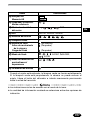
Runs through all saved pictures one
after another.
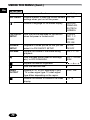
MOVIE PLAY Plays back movies. You can also edit
movies or make indexes of still-shots
from movies.
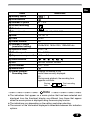
—
MOVIE
PLAYBACK,
INDEX, EDIT
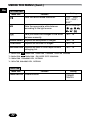
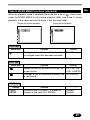
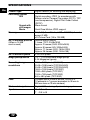
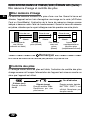
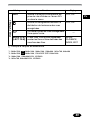
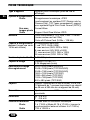
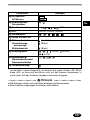
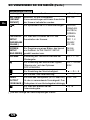
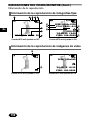
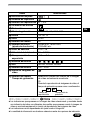
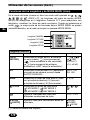
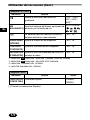
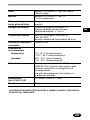
*1: 2048x1536, 3:2 2048x1360, 1600x1200, 1280x960, 1024x768, 640x480
*2: 2048x1536, 3:2 2048x1360, ENLARGE SIZE 3200x2400
*3: 1600x1200, 1280x960/HIGH, NORMAL
*4: 1024x768, 640x480/HIGH, NORMAL
19
En