1
Text entry
3. Text entry
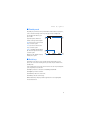
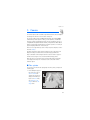
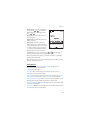
You can use two methods for entering text and numbers: standard mode and
predictive text mode.
■ Standard mode
Standard mode is the only way to enter text into the contacts list, and to rename
caller groups.
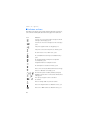
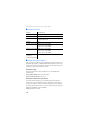
Text (Abc)
• Press a key once to insert the first letter on the key, twice for the second
letter, etc. If you pause briefly, the last letter in the display is accepted and
your phone awaits the next entry.
• Press 0 to enter a space, thereby accepting a completed word.
• Press 1 as many times as necessary to scroll through a list of commonly used
characters.
• Press * to display a complete list of special characters.
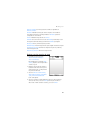
• Press and hold # to open Editor settings > Number mode, Dictionary on or
Dictionary off, or Writing language.
Numbers (123)
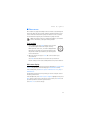
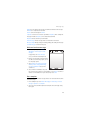
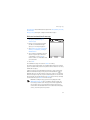
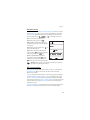
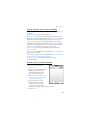
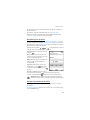
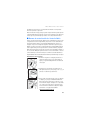
To switch to 123 mode from Abc mode, press and hold # at any message entry
screen to bring up the Editor settings menu list of Number mode, Dictionary on
or Dictionary off, and Writing language. Select Number mode, and the device
returns to the message entry screen and switches the ABC icon in the upper left
corner of the display to the 123 icon (or back). To return to Abc mode, press and
hold #.
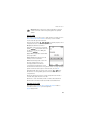
Change language
To change the language, do the following:
1. Press and hold #.
2. At the Editor settings menu list, select Writing language, and the new language.
The phone will return to the message entry screen, and you can compose in the
new language.
21