1
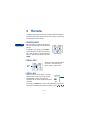
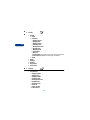
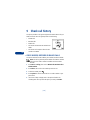
The menu
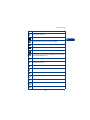
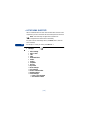
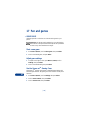
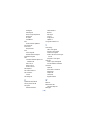
2 Time and date settings
1 Alarm clock
2 Clock settings
3 Date settings
4 Auto update of date and time
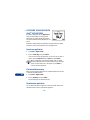
3 Call settings
1 Automatic redial
2 1-touch dialing
3 Summary after call
4 Anykey answer
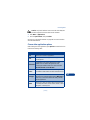
4 Phone settings
1 Language
2 Automatic keyguard
3 Cell info display
4 Welcome note
5 Help text activation
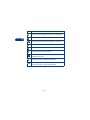
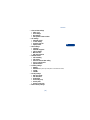
5 Network services
1 Call forwarding
2 Call waiting
3 Send own caller ID when calling
4 Line for outgoing calls
5 System selection
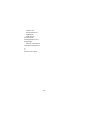
6 Accessory settings
1 Headset
2 Handsfree (Only shows up when phone is connected to Car Kit)
3 Loopset
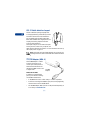
4 TTY/TDD
7 Security settings
1 PIN code request
2 Call restrictions
3 Fixed dialing
4 Closed user group
5 Security level
6 Change access codes
8 Restore factory settings
[ 29 ]
6