1
2. Installation and Connections
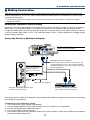
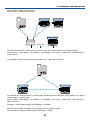
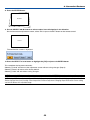
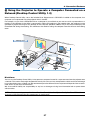
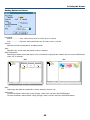
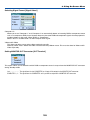
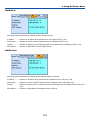
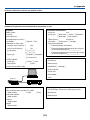
(B) Example of wireless LAN connection
(Network Type → Mode: Infrastructure)
Access Point
Wired LAN
To make connection with a wired LAN via an access point, you need to select the Infrastructure mode.
From the menu, select [Setup] → [Installation] → [LAN Mode] → [PC Card] → [Advanced] → [Network Type] →
[Infrastructure].
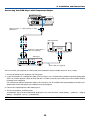
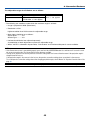
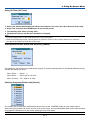
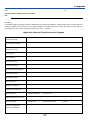
(C) Example of wireless LAN connection (Network Type → Mode: 802.11 Ad Hoc)
To enable direct communication (i.e., peer-to-peer) between personal computers and projectors, you need to
select the 802.11 Ad Hoc mode.
From the menu, select [Setup] → [Installation] → [LAN Mode] → [PC Card] → [Advanced] → [Network Type] →
[802.11 Ad Hoc].
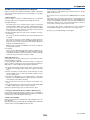
The 802.11 Ad hoc mode complies with IEEE802.11 standard.
When in Ad Hoc mode, only 802.11b is available for communication method.
Data transmission speed in Ad Hoc mode is limited up to 11Mbps.
23