1
SCANNER OPERATION
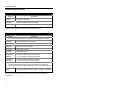
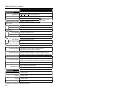
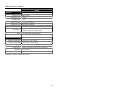
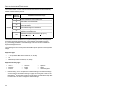
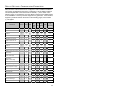
Audible Indicators
When the IS3480 is in operation, it can provide audible feedback. These sounds
indicate the status of the scanner. Eight settings are available for the tone of the
beep (normal, 6 alternate tones and no tone). For instruction on how to change
the tone of the beeper, refer to the MetroSelect Configuration Guide (00-02407).
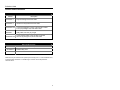
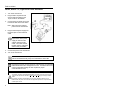
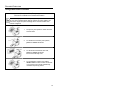
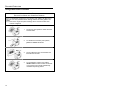
One Beep
When the scanner first receives power the white LED will flash, the
blue LED will turn on and the scanner will beep once (the white
LED will remain on for the duration of the beep). The scanner is
now ready to scan.
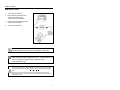
When the scanner successfully reads a bar code, the white LED
will flash and the scanner beeps once (if configured to do so). If the
scanner does not beep once and the white light does not flash, then
the bar code has not been successfully read.
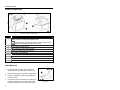
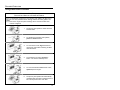
Razzberry Tone
This is a failure indicator. Refer to Failure Mode Indicators
on page 20.
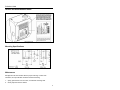
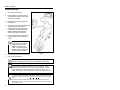
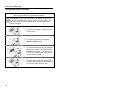
Three Beeps - during operation
When placing the scanner in configuration mode, the white LED will
flash while the scanner simultaneously beeps three times. The
white and blue LEDs will continue to flash until the unit exits
configuration mode. Upon exiting configuration mode, the scanner
will beep three times and the white LED will stop flashing.
When configured, 3 beeps can also indicate a communications
timeout during normal scanning mode.
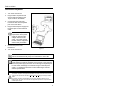
When using one-code-programming, the scanner will beep three
times: the current selected tone, followed by a short pause, a high
tone and a low tone. This tells the user that the single configuration
bar code has successfully configured the scanner.
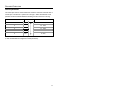
Three Beeps - on power up
This is a failure indicator. Refer to Failure Mode Indicators
on page 20.
18