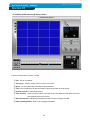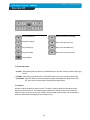
1
CHAP. 6 Network Setup
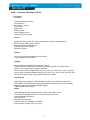
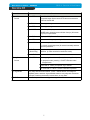
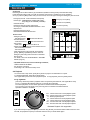
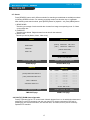
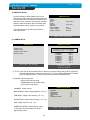
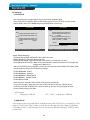
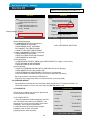
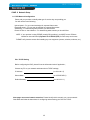
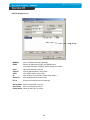
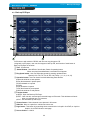
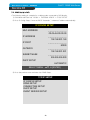
IP/PORT Setting Screen
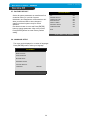
IP List
MANUAL
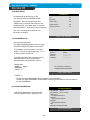
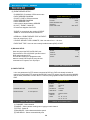
DDNS
Input IP address and PORT manually
Receive IP address and PORT from DDNS Server.
For further information of DDNS, please contact your vendor.
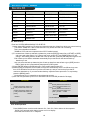
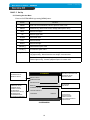
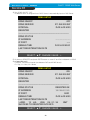
Name
Address
PORT
ID
Password
Name of IP address on the list.
Input IP address which is set on DVR
Input PORT which is set on DVR
Input ID which is set on DVR. (Please input ‘admin’.)
Input password which is set on DVR
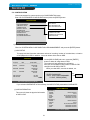
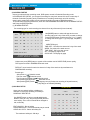
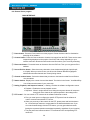
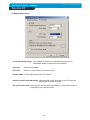
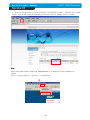
IP List
It shows IP list which user input manually.
Select Button Select IP and PORT on the list.
Save Button Save IP and PORT on the list.
Delete Button Delete IP and PORT on the list.
40