1
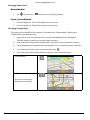
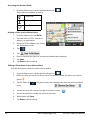
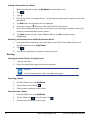
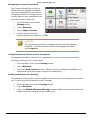
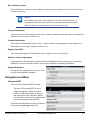
Accessing the Address Book
1. From the Map screen, tap the Address Book icon (
Three tabs are available, as below:
).
Places tab
Contacts Tab
Trips Tab
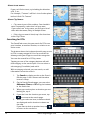
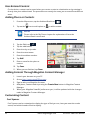
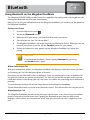
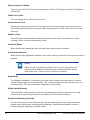
Adding a Place to the Address Book
1. From the Map screen, tap GoTo...
2. You can select a POI or search an
address, as appropriate.
3. Select the POI or address (see Using
the Keyboard) to add.
4. Tap
.
5. Tap
.
6. Enter a name for the place or accept the default name displayed.
7. Tap Save.
8. Tap Done to finish editing.
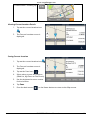
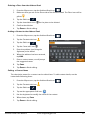
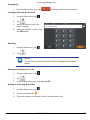
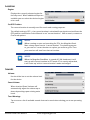
Editing a Place Name in the Address Book
Only the descriptive name for a place can be edited.
1. From the Map screen, tap the Address Book icon (
).
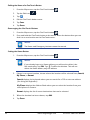
2. Make sure that you are in the Places tab of the Address Book. The Place icon will be
yellow
.
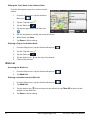
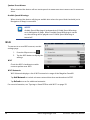
3. Tap the Edit icon (
). The place names then displays the item edit and item delete
icons:
.
4. Tap on the item edit icon to the right of the place name. (
)
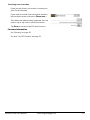
5. Use the keyboard to modify the name of the place.
6. When done, tap Save.
7. Tap Done to finish editing.
28www.magellangps.com
RV9490T-LMB User Manual