1
7. LG NAS maintenance
System failure or malfunction
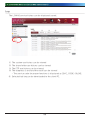
If the LG NAS encountering a problem after powering on is envisages, or after running
‘Self-diagnosis’ on the administrator web as stated above in section 7.4, Follow the
steps below.
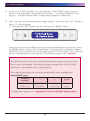
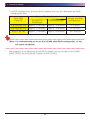
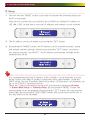
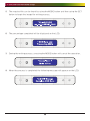
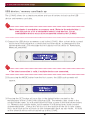
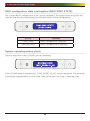
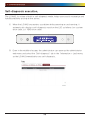
①For technician’s reference, write down the error code appearing on the LCD
‘[SVC_CODE xx_yy] and make a record on tasks done before the accident and
messages you witnessed
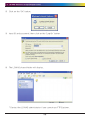
②For error messages mentioned in ①, you can get help from LG electronics
Service Site if such errors were caused by negligence. http://www.lge.com.
③When no solution exists, do not disassemble and call the service center for
remote technical support.
Power cut or failure
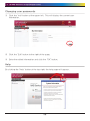
When power failure occurs, the LG NAS will return to its former pre power-failure
state after reboot. In case of system malfunctions under normal environment,
observe the following procedure.
①If the system settings are modified, the user must perform a new set up after
reboot.
② If the system is still acting strangely contact the service centre.
To prevent data loss, frequently back up files.
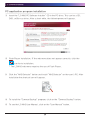
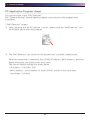
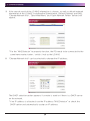
① Follow the above description for shutdown/restart.
②In the case that a potential shut down is expected, all files must be saved and
backed up. After the power is restored, reboot the system.
System temperature protection
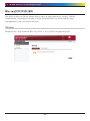
If HDD temperature within the system exceeds 75 degrees Centigrade or 167 degrees
Fahrenheit, the system ends automatically and to protect hardware.
142