1
Taking a Picture
Camera
Key
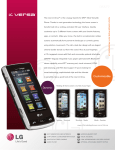
See something interesting? LG Versa’s 2 megapixel camera
feature lets you share the fun with friends and family!
1.You can hold your LG Versa vertically or horizontally
when taking a picture. From standby mode, press the
Camera Key
to access the camera.
2.Touch the screen to access a variety of customizable
options.
3. When you’re ready, press the Camera Key
to take
your picture.
4.Touch the Send icon
to send the picture to someone.