1
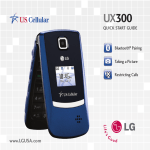
Taking a Picture
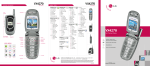
With your 1.3 megapixel camera, you can capture all
the magic moments—and with the flip closed, you can
even take self-portraits.
Flip Open
1.Press and hold
.
2.Press up or down on the Navigation Key to zoom.*
Press left or right to adjust brightness. To adjust
other camera options, press the Right Soft Key for
Options.
3. Press
to take the picture.
Flip Closed
1. Press and hold
, then quickly press the side
Volume Keys
to unlock the phone.
2. Press
to take the picture.
*Camera setting of 960 x 1280 pixels does not support
zoom function.