1
AX355_Eng.qxd
6/16/06
7:36 PM
Page 46
AXCESS APPS
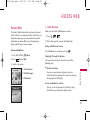
1. Axcess Apps
2. Axcess Info
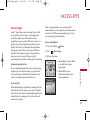
Allows you to download selected applications while
displaying the Axcess Apps application list relayed
from the Axcess Apps server connection.
Gives you information about the Axcess Apps
selection key.
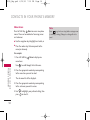
1. Press
,
2. Press
.
,
.
,
,
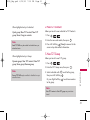
2. Press Left Soft Key
3. Select [Axcess Apps] Icon and press
.
Shortcut
Pressing the right arrow key
1. Press
will start Axcess Apps.
Note
A XC E S S A P P S
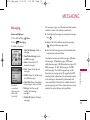
When the file memory is full, the message "File Memory is
displayed?". To make enough storage space to install this
app, the following app(s) will be temporarily disabled:
You can restore disabled apps by simply starting them, at
no additional purchase cost. Proceed?" will be displayed.
If you select Yes, the app(s) will be disabled.
.
Yes.
Managing Your Axcess Apps Applications
Add new applications and remove old ones at any time.
Removing Applications
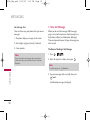
Only removing an application deletes it completely
from the memory of the phone. To restore an
application once it has been removed will require that
you pay and download it again.
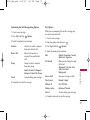
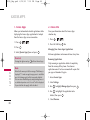
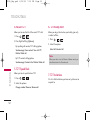
1. Access Axcess Apps.
2. Select Settings.
3. Use
to highlight Manage Apps, then press
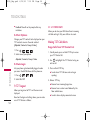
4. Use
to highlight the application to be
deleted, then press
.
5. Select Remove.
46
.