1
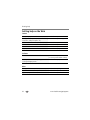
Taking pictures/videos
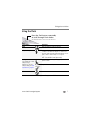
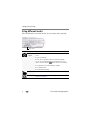
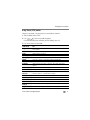
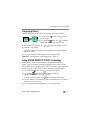
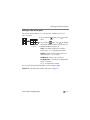
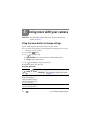
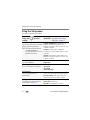
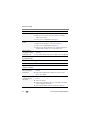
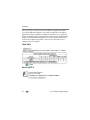
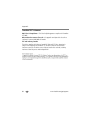
SCN mode
For
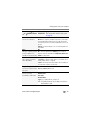
Night Landscape
Panning
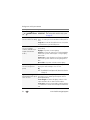
Blur Reduction
High ISO
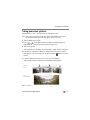
Panorama
(L-R, R-L)
Distant scenery at night. Flash does not fire.
Capturing the illusion of motion; subject is sharp, background is blurry.
Reducing blur caused by camera shake or subject motion.
People indoors, in low-light scenes.
“Stitching” 2 or 3 pictures into 1 panoramic scene.
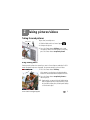
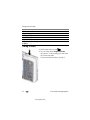
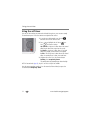
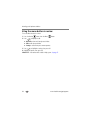
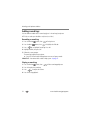
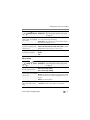
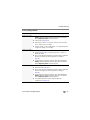
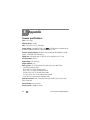
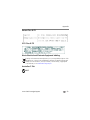
Taking a video
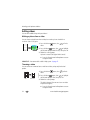
1 Slide the Mode switch to Video
.
2 Press the Shutter button completely down,
then release it. To stop recording, press and release
the Shutter button again.
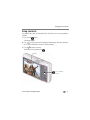
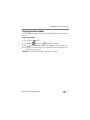
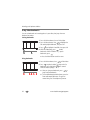
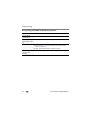
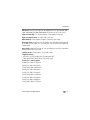
To review and work with videos, see page 15.
10
www.kodak.com/go/support
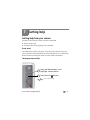
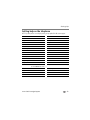
view single picture.