1
4
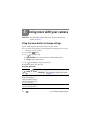
Doing more with your camera
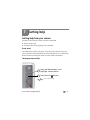
IMPORTANT: Your camera offers a built-in Help system. To get the most from your
camera, see page 47.
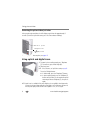
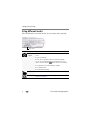
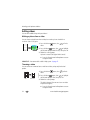
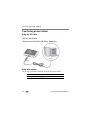
Using the menu button to change settings
You can change settings to get the best results from your camera.
NOTE: Some modes offer limited settings. Some settings remain until you change them; others, until you
change modes or turn off the camera.
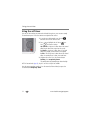
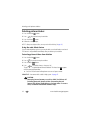
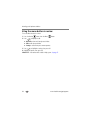
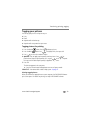
1 Press the Menu
2 Press
button.
to highlight a tab:
■
Capture/Video for the most common picture/video-taking settings
■
Setup for other camera settings
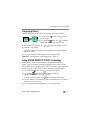
3 Press
to highlight a setting, then press OK.
4 Highlight an option, then press OK.
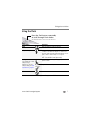
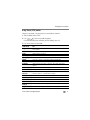
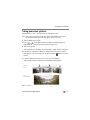
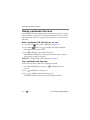
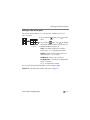
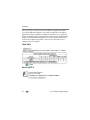
Using the capture tab
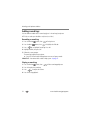
Press Menu,
,
Picture-taking Options
, and OK to access IMPORTANT: Your camera offers a built-in Help system.
settings
See page 47.
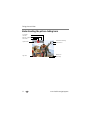
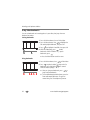
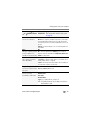
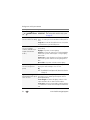
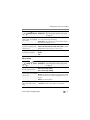
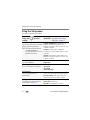
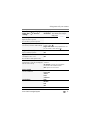
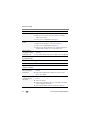
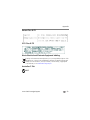
Exposure Compensation 0.0, +/-0.3, +/-0.7, +/-1.0, +/-1.3, +/-1.7, +/-2.0
Make a picture lighter or
darker. (Available in Program
and Panorama modes.) To use
a shortcut, see page 11.
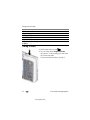
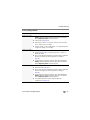
Picture Size
See Camera specifications, page 50.
Choose a picture resolution.
28
www.kodak.com/go/support