1
XA-MP52-102(E).book Page 14 Wednesday, October 5, 2005 9:45 AM
BASIC OPERATIONS
PLAYING MUSIC
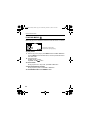
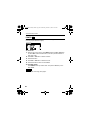
You can play the music files.
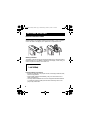
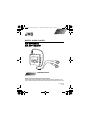
Before playing music, adjust the volume level with the volume +/- buttons.
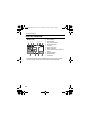
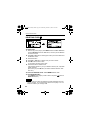
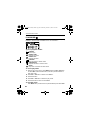
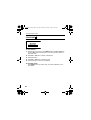
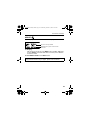
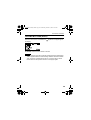
Track time (in stop mode)
Playback time (during playing)
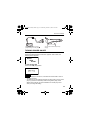
To play music
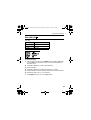
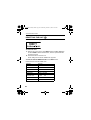
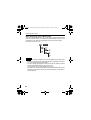
1. After turning on the player, press MENU button and ¢ / 4 button
2.
to select MUSIC mode from Main Menu, and then press 6 button to
enter that mode.
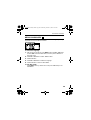
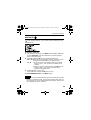
Press 6 button
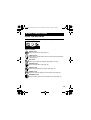
To stop: Press 7 button.
To pause: Press 6 button.
To select track:
During playback or in stop mode, press ¢ / 4 button.
To fast-forward/reverse track:
During playback, press and hold ¢ / 4 button.
To exit MUSIC mode:Press MENU button.
14