1
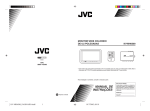
Color monitor
Front
ENGLISH
CONTROLS AND FEATURES
Back
1
2
3
4
Top
DOWN
UP
AUTO/MANU
MODE
POWER
5 6 7 8 9
See pages in the parentheses for details.
Front
Top
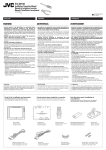
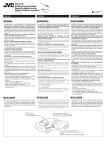
1 STAND BY lamp
2 Remote sensor (8)
3 Screen (Liquid crystal panel)
5 DOWN button*
6 UP button*
7 AUTO/MANU button*
8 MODE button (9)
9 POWER button (9)
Back
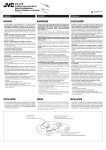
4 Monitor stand guide slot
• When you use the monitor stand to install
the monitor in your car, attach the monitor
stand here. For installation, refer to the
Installation/Connection Manual (separate
volume).
Note:
In the list, the button names with “*” are not
used for this system. Those buttons are for
operating JVC mobile TV tuner unit KV-C10.
5
EN02-08.KV-M700[J]/3
5
00.1.28, 0:02 PM