1
ENGLISH
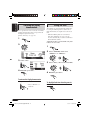
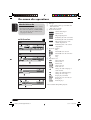
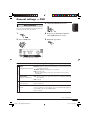
DVD/VCD special functions
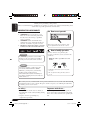
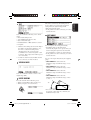
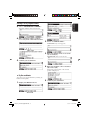
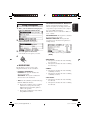
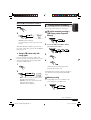
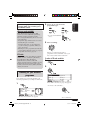
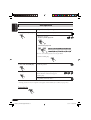
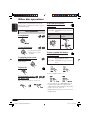
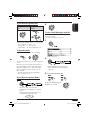
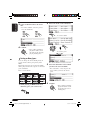
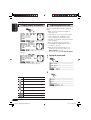
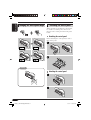
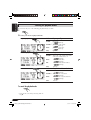
Selecting subtitles
You can select the language of the subtitle to be
shown on the monitor.
• You can also erase the subtitle if not
necessary.
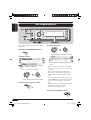
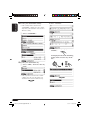
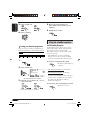
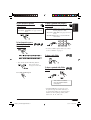
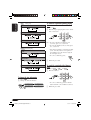
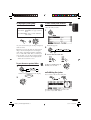
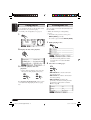
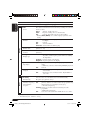
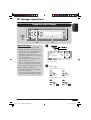
For VCD:
You can select the audio channel to
play. (This is convenient when playing a
Karaoke VCD.)
ST
ST
ST
1/3
ENGLISH
1/3
ST
ENGLISH
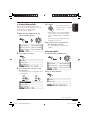
Ex. when the disc has 3 options
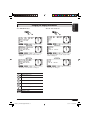
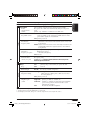
ST: To listen to normal stereo (left/right)
playback.
L:
To listen to the L (left) audio channel.
R:
To listen to the R (right) audio channel.
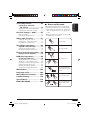
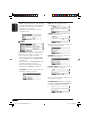
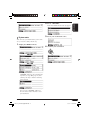
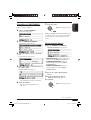
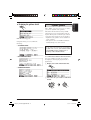
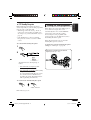
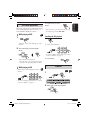
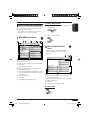
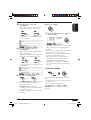
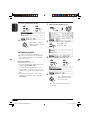
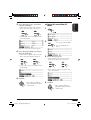
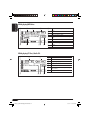
Selecting audio languages
For DVD:
You can select the language to listen to if the
disc has multiple audio languages.
1/3
ENGLISH
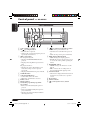
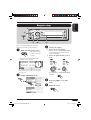
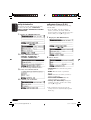
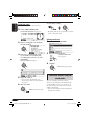
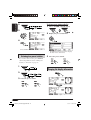
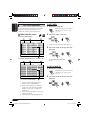
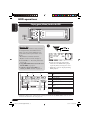
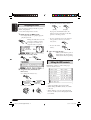
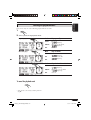
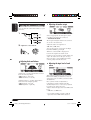
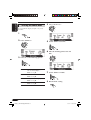
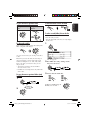
Selecting multi-angle views
You can view the same scene at different angles
if the disc has multi-angle views.
1/3
1/3
1/3
1
ENGLISH
1
Ex. when the disc has 3 options
1/3
1/3
1
2
1/3
3
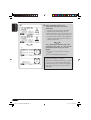
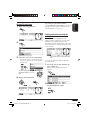
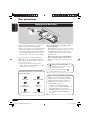
Ex. when the disc has 3 multi-angle views
52
EN48-65_KD-NX901[E]DVDfb.indd 52
05.3.17 2:05:52 PM